



What’s in the kit

Your choice of model

RoboUniversity All-Access

Video lessons

Course levels

Included with All-Access
Unitree G1 EDU Classroom Kit – Humanoid Robot + RoboUniversity Curriculum
Teach robotics on the robot the lessons are written for. This kit pairs a Unitree G1 EDU humanoid with RoboUniversity All-Access: every course, plus future releases for 1 year at no extra cost, for schools, CTE programs and university labs.

Note: Every option includes All-Access. Exact robot specs vary by model, see each model’s page. Some advanced courses call for specific hardware, such as the 29-DOF G1 for RoboJuDo.
Add to your kit:
What’s in the kit
Your choice of model
RoboUniversity All-Access
Video lessons
Course levels
Included with All-Access
Unitree G1 EDU Classroom Kit – Humanoid Robot + RoboUniversity Curriculum
What's in the kit
One Robot. Every Course Written for It.
The kit ships the Unitree G1 EDU humanoid and unlocks the full RoboUniversity library, so your class learns on the exact robot the lessons use.
Unitree G1 EDU Humanoid

Standard (U1) through Ultimate F (U8)
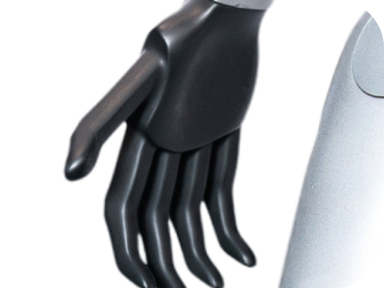
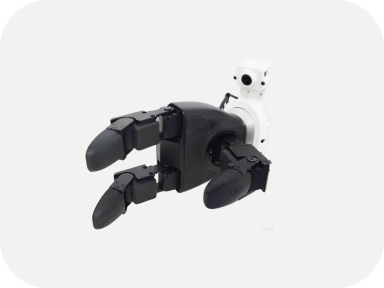
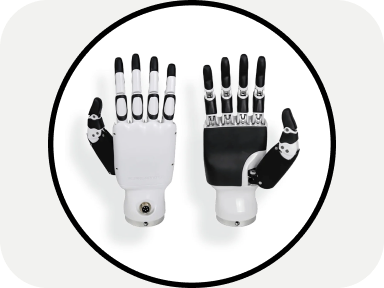
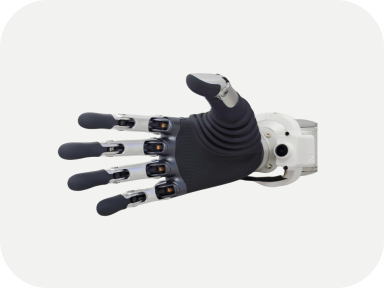
From dummy hands to dexterous Dex3-1, Inspire and BrainCo Revo 2
Secondary development on every model
Ships from RoboStore, Unitree’s official US distributor
RoboUniversity All-Access
All current courses, plus future releases for 1 year at no extra cost
Structured lessons from first setup to advanced AI
Hands-on code examples you can use, modify and build on
Access to the online classroom, emailed after checkout
Included with every bundle
Every Course, in the Order to Take Them
Every course comes with the robot. Start at the top and work down.
 Free preview
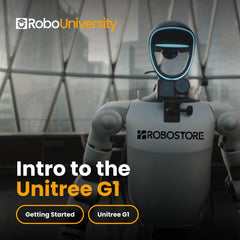
Power on, connect, update and safely operate the Unitree G1 humanoid. A quick-start course with 6 short video lessons, from first setup to safe packing.
 Beginner
 6 lessons
 ~7 min
 Beginner
 6 lessons
 ~7 min

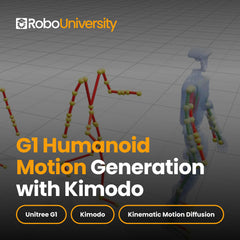
Generate, guide and export Unitree G1 humanoid motion data with Kimodo: text-prompted motion, keyframes, constraints and CSV export. Beginner friendly.
- Beginner
- 12 lessons
- 12+ hours
 Free preview
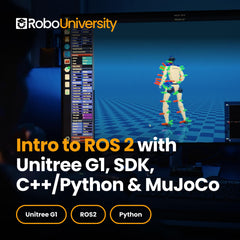
Install ROS 2, build Python and C++ packages, integrate the Unitree G1 SDK with a ROS-to-SDK bridge, then run the same control workflow safely in MuJoCo.
 Intermediate
- 21 lessons
- ~2–4 hours
 Intermediate
 Free preview
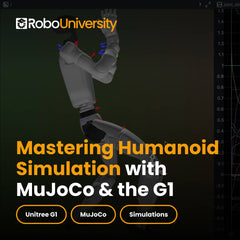
Simulate, tune and visualize Unitree G1 humanoid motion in MuJoCo: setup, physics control, motion replay and 3D dataset visualization with Rerun.
- Intermediate
- 10 lessons
- 20 hours

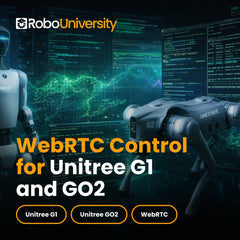
Build a real-time WebRTC command pipeline for Unitree Go2 and G1 with z4rtc: LAN connection, locomotion and gestures, video and audio streaming, LiDAR.
- Intermediate
- 12 lessons
- 18 min of video
 Free preview
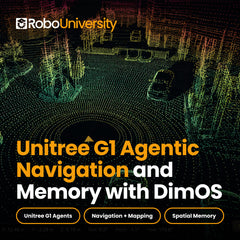
Install DimOS on the Unitree G1 and build autonomy: navigation engine, perception, AI agents, mapping, autonomous navigation and custom agent skills.
- Intermediate
- 15 lessons
- 12+ hours
 Free preview
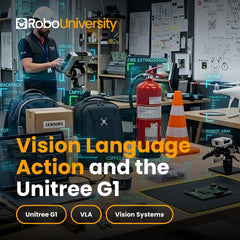
Build and deploy Vision-Language-Action systems on the Unitree G1: visual navigation, dexterous manipulation and world modeling with UniFoLM and GR00T.
 Advanced
- 9 lessons
- ~3–6 hours
 Advanced

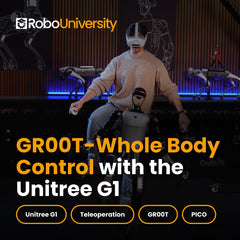
Take the Unitree G1 from keyboard locomotion to autonomous manipulation with NVIDIA GEAR-SONIC and GR00T N1.6: teleop, data, fine-tuning and deployment.
- Advanced
- 8 lessons
- ~8–12 hours
 Free preview
Build, train and deploy locomotion policies with NVIDIA Isaac Sim, Isaac Lab and RSL-RL, then transfer them to a real robot. An end-to-end Sim2Real course.
- Advanced
- 7 lessons
- ~3 hours
 Free preview
Teach the Unitree G1 humanoid to move from human video: build motion datasets, train control policies and deploy them on a real G1 with HDMI.
- Advanced
- 6 lessons
- ~4–5 hours
 Free preview
Go from a fresh RoboJuDo install to real-hardware deployment on the Unitree G1 (29-DOF): architecture, policies, pipelines and safe simulation practice.
- Advanced
- 10 lessons
- 8–10 hours

Collect demonstrations, clean LeRobot datasets, fine-tune an Isaac-GR00T N1.7 VLA policy and deploy it on the Unitree G1 with PolicyServer.
- Advanced
- 8 lessons
- 5–8 days
Career pathway
Build a Robotics Class Around a Full Career Pathway
RoboUniversity is the backbone of an AI and robotics career pathway: a semester elective, a CTE program or a university lab. The courses stack in order on one robot, so every unit builds on the last.
- BeginnerFirst weeks
Unit 1 · Get Started
Power up, connect and safely operate the G1, then generate its first motions.
Remote controlFirmware updatesKimodoKeyframes- Getting Started with the Unitree G16 lessons
- Motion generation with Kimodo12 lessons
18 lessons
- IntermediateCore of the course
Unit 2 · Program and Simulate
Program the robot in ROS 2, test in simulation first, and control it over the network.
ROS 2G1 SDKPythonC++MuJoCoWebRTCDimOS- ROS 2 for the Unitree G121 lessons
- MuJoCo humanoid simulation10 lessons
- WebRTC control12 lessons
- Agentic navigation with DimOS15 lessons
58 lessons
- AdvancedFinal stretch
Unit 3 · AI and Capstone
Train and deploy AI policies, ending with a full data-to-deployment capstone.
GR00TUniFoLM-VLAIsaac SimIsaac LabPyTorchLeRobot- Vision-Language-Action systems9 lessons
- GR00T whole-body control8 lessons
- Sim2Real reinforcement learning7 lessons
- HDMI: human-to-motion6 lessons
- Control policies with RoboJuDo10 lessons
- Capstone: data to deployment8 lessons
48 lessons

Built for Classrooms, CTE Programs and Labs
The courses stack in order on one robot, so every unit builds on the last. Run the kit as a semester elective, a CTE program or a university lab, and All-Access covers your whole organization.
Frequently Asked Questions
What Comes in the G1 EDU Classroom Kit?
A Unitree G1 EDU humanoid robot (the model you choose) and RoboUniversity All-Access: every current course plus future releases for 1 year at no extra cost.
How Does Course Access Work After I Buy?
Courses are delivered through RoboUniversity’s online classroom. After checkout we email your login, and you can return any time from Class Login.
Does All-Access Cover a Whole Class or Team?
Yes. All-Access is an enterprise-wide license, so it covers every seat in your organization. Speak to an expert and we’ll set it up.
Which G1 EDU Model Should We Choose?
Every kit includes the same curriculum, so choose the robot hardware your program needs. Compare the models above, or book a call and we’ll recommend one.
What Computer Do Learners Need?
Courses are delivered online, so learners need a computer and an internet connection. Several developer courses use Ubuntu Linux and Python, and GR00T Whole-Body Control needs an NVIDIA GPU. Each course page lists its own prerequisites.
Already Have a G1?
Get the curriculum on its own with RoboUniversity All-Access.
Get in touch
Prefer to talk?
Book a Discovery Call
Tell us about your team and robots, and we’ll put the robot and the curriculum on one quote.