


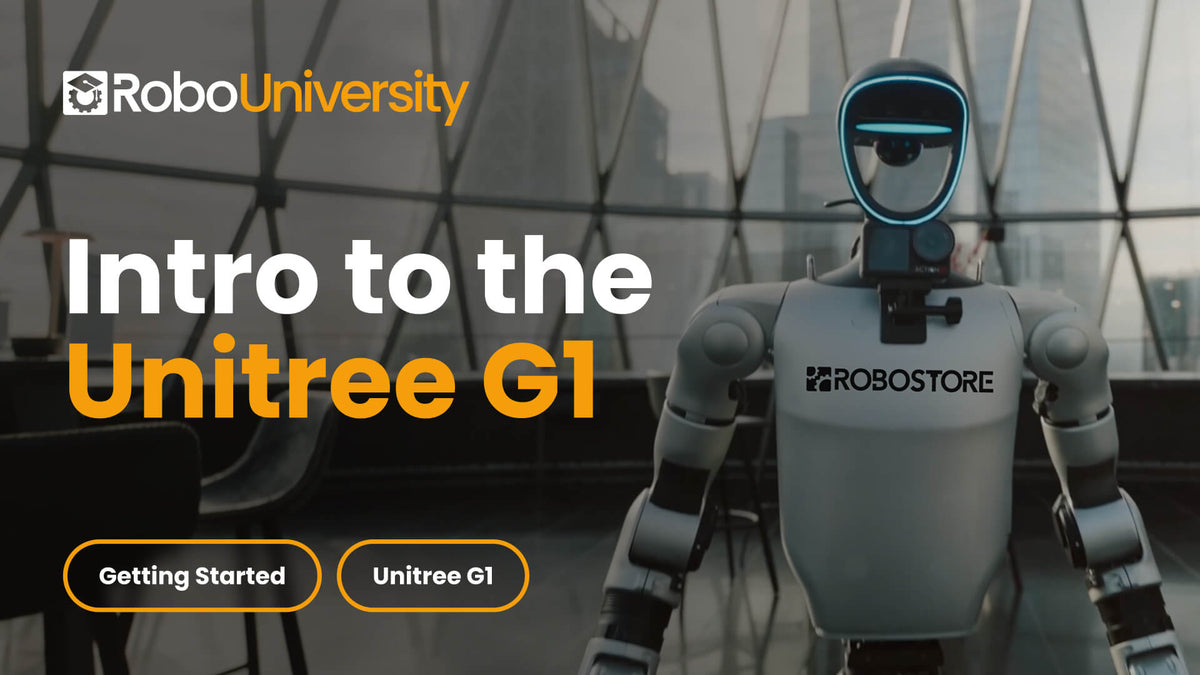
Intro to the Unitree G1
A fast, practical introduction to powering on, connecting, updating, and safely operating the Unitree G1 humanoid robot. This short course gets new users up and running quickly, covering essential startup steps, basic troubleshooting, and proper handling so teams can begin working with the G1 confidently from day one.
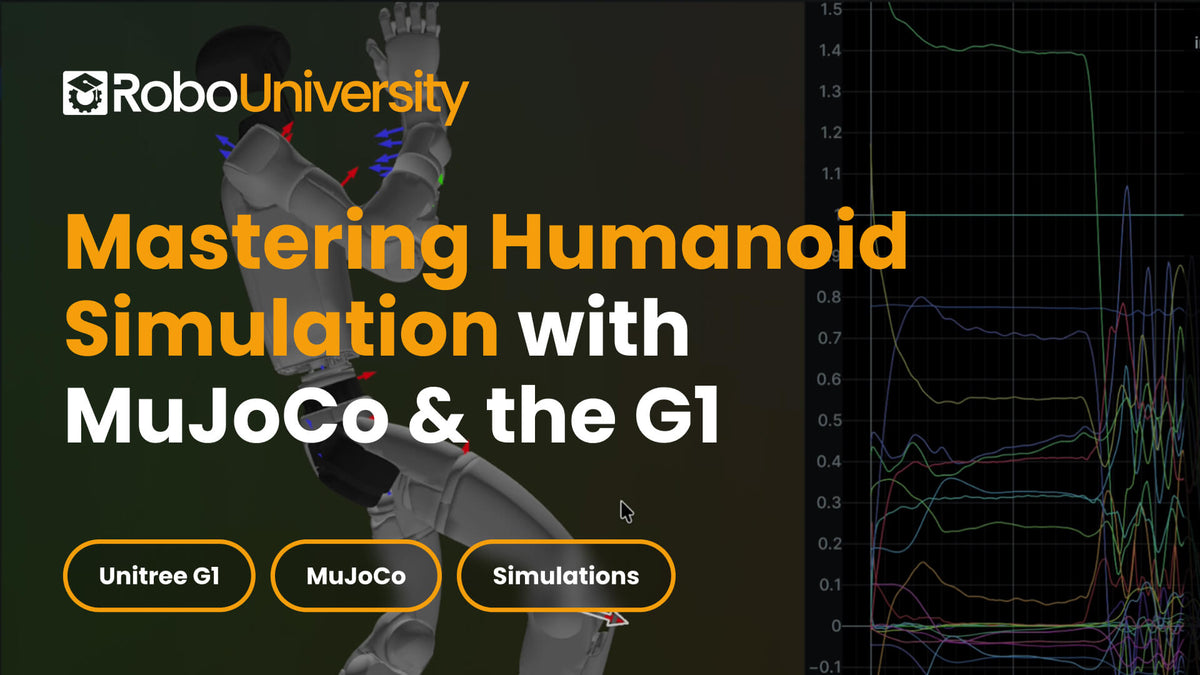
Mastering Humanoid Simulation with MuJoCo & the G1
An in-depth introduction to simulating humanoid motion using MuJoCo and the Unitree G1 model. This course teaches learners how to set up simulations, tune physics parameters, run motion demos, and analyze movement using advanced visualization tools, helping teams better understand and refine humanoid behavior before real-world deployment.
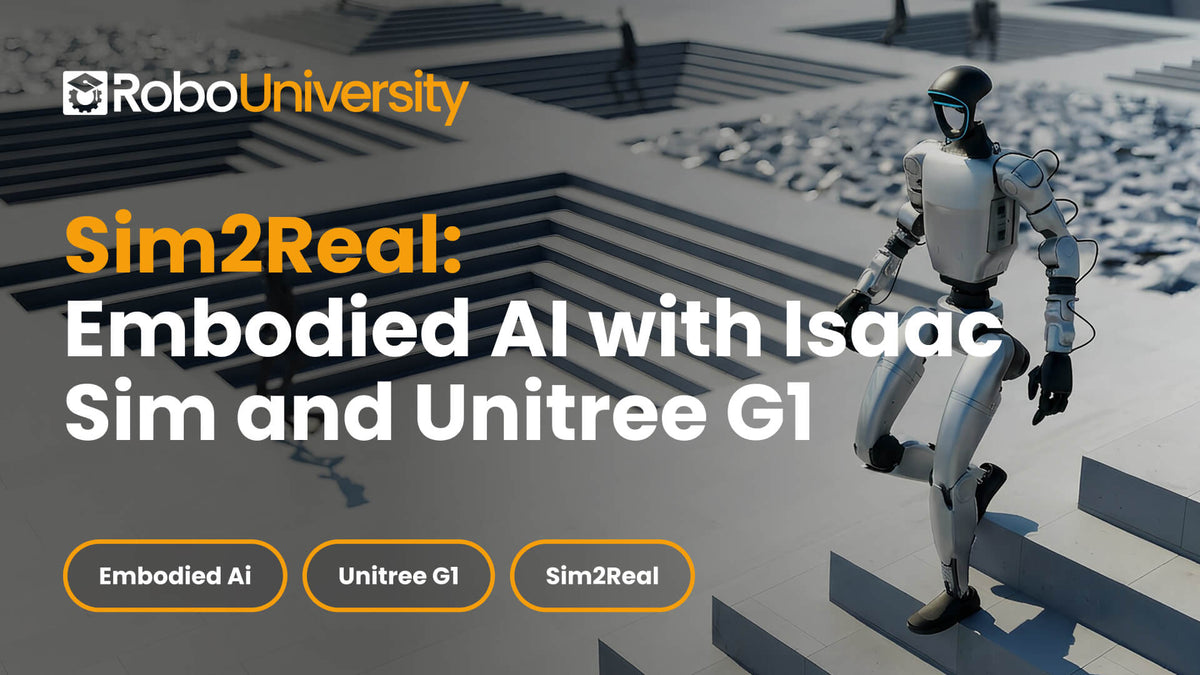
Sim2Real: Embodied AI with Isaac Sim and Unitree G1
A foundational course on building Sim2Real pipelines using NVIDIA Isaac Sim and the Unitree G1 humanoid. Learners explore high-fidelity simulation, sensors, control interfaces, and reinforcement-learning-ready environments, developing the skills needed to design, test, and transfer embodied AI behaviors from simulation to physical robots.

HDMI: Human-to-Motion Intelligence for the Unitree G1
This course teaches students how to create real humanoid robot behaviors for the Unitree G1 by learning directly from human video data. Students progress through the full embodied-AI pipeline: converting videos of human motion into robot-ready datasets, visualizing and validating those datasets, training them into control policies, and deploying those policies onto real G1 hardware.

Deploying Custom Control Policies on the Unitree G1 with RoboJuDo
This course focuses on real-world deployment of humanoid robot control policies using the RoboJuDo framework on the Unitree G1. Students learn how to take pre-trained or custom-trained policies—such as locomotion, whole-body control, motion-mimic, and hybrid pipelines—and deploy them safely and effectively onto both simulation and real G1 hardware.

Intro to ROS 2 with Unitree G1, SDK, C++/Python & MuJoCo
Build real humanoid robot software the right way. In this course, you’ll install ROS 2, create Python and C++ packages, learn ROS communication, integrate the Unitree G1 SDK, build a ROS↔SDK bridge, and run the same control workflow in MuJoCo for safe sim-to-real iteration.

Vision-Language-Action (VLA) Systems on the Unitree G1
Learn to build and deploy real Vision-Language-Action systems on a humanoid robot. This course takes you from safe G1 setup and visual navigation to dexterous manipulation, predictive world modeling, and full autonomous execution using UniFoLM and GR00T pipelines. By the end, you’ll run complete VLA workflows on a real-world humanoid platform.

Zero-to-Robot WebRTC for Unitree Go2 & G1
Build, understand, and extend a real-time WebRTC command pipeline for Unitree Go2 and G1 robots using the z4rtc CLI. Learn how to connect over LAN, inspect SDP and ICE negotiation, send locomotion and gesture commands, stream video and audio, and explore LiDAR workflows through hands-on lessons designed for both quadruped and humanoid platforms.

GR00T Whole-Body Control for the Unitree G1
Learn how to take the Unitree G1 from keyboard locomotion to full autonomous manipulation using NVIDIA’s GEAR-SONIC whole-body controller and GR00T N1.6 Vision-Language-Action workflows. This hands-on course covers installation, teleoperation, data collection, fine-tuning, and deployment on the real robot.

Generating Whole-Body Motion Data with Kimodo for the Unitree G1
Learn how to use Kimodo to generate, guide, export, and prepare G1 humanoid motion data for deployment. This beginner-friendly course walks learners through setup, text-prompted motion generation, keyframe and constraint-based control, terrain-aware examples, CSV export, and the workflow used to prepare motion files for real Unitree G1 playback.

Teaching the G1 New Skills: From Data Collection to Autonomous Deployment
Learn how to collect robot demonstrations, clean LeRobot v2.1 datasets, fine-tune an Isaac-GR00T N1.7 VLA policy, and deploy trained inference on the Unitree G1 using NVIDIA’s GR00T WholeBodyControl workflow. This practical course takes students from data collection to PolicyServer deployment through the supported trained-policy path.

Unitree G1 Agentic Navigation and Memory with DimOS
Master the complete DimOS workflow for the Unitree G1 humanoid robot. Learn how to install and configure DimOS, connect to your G1, build the navigation engine, visualize robot perception, use AI agents, create maps, perform autonomous navigation, write custom modules, and develop your own agent skills for advanced robot autonomy.
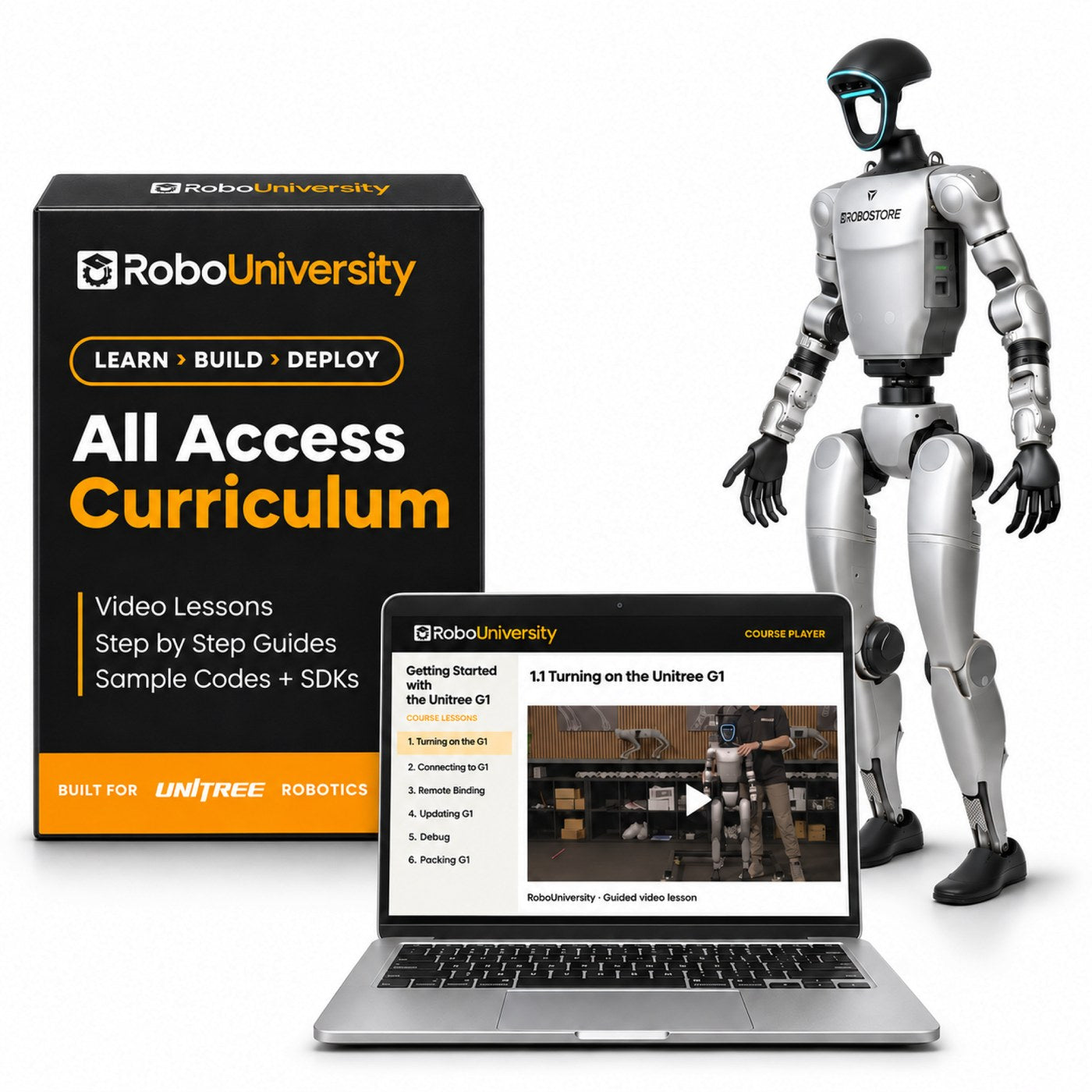
The complete bundle
G1 EDU + Curriculum Bundle
From $47,700robot + All-Access
- Unitree G1 EDU humanoid, your choice of model
- Every current course, plus future releases for 1 year at no extra cost
- Enterprise-wide license, all seats included
Frequently Asked Questions
What Is the Typical Length of a RoboUniversity Course?
Our courses can range from approximately 10 to 40 lessons, depending on the topic and depth.
What Specific Topics Are Covered in the Robotics Curriculum?
Our curriculum covers a wide array of topics including Robotics SDKs, Simulation, Reinforcement Learning, Deploying AI Models, Sensor & Hardware Integrations, and Real-World Deployment.
Are There Introductory Courses Available for Beginners?
Yes, we offer introductory courses specifically designed for the Unitree G1 humanoid.
What Hardware and Software Are Required to Participate in RoboUniversity Courses?
You would typically need a Unitree G1 and a computer. Some courses specifically require a Linux operating system, Python, and potentially software like Isaac Sim or the Unitree Explore app.
Do Courses Include Access to Simulations, and What Are the Requirements?
Access to simulations is provided, but you would need to have the corresponding Unitree hardware to utilize them effectively.
How Often Are New Courses Released or Updated?
We are continuously expanding our offerings, with new courses being released every month to reflect the latest developments and advancements of Unitree products.