

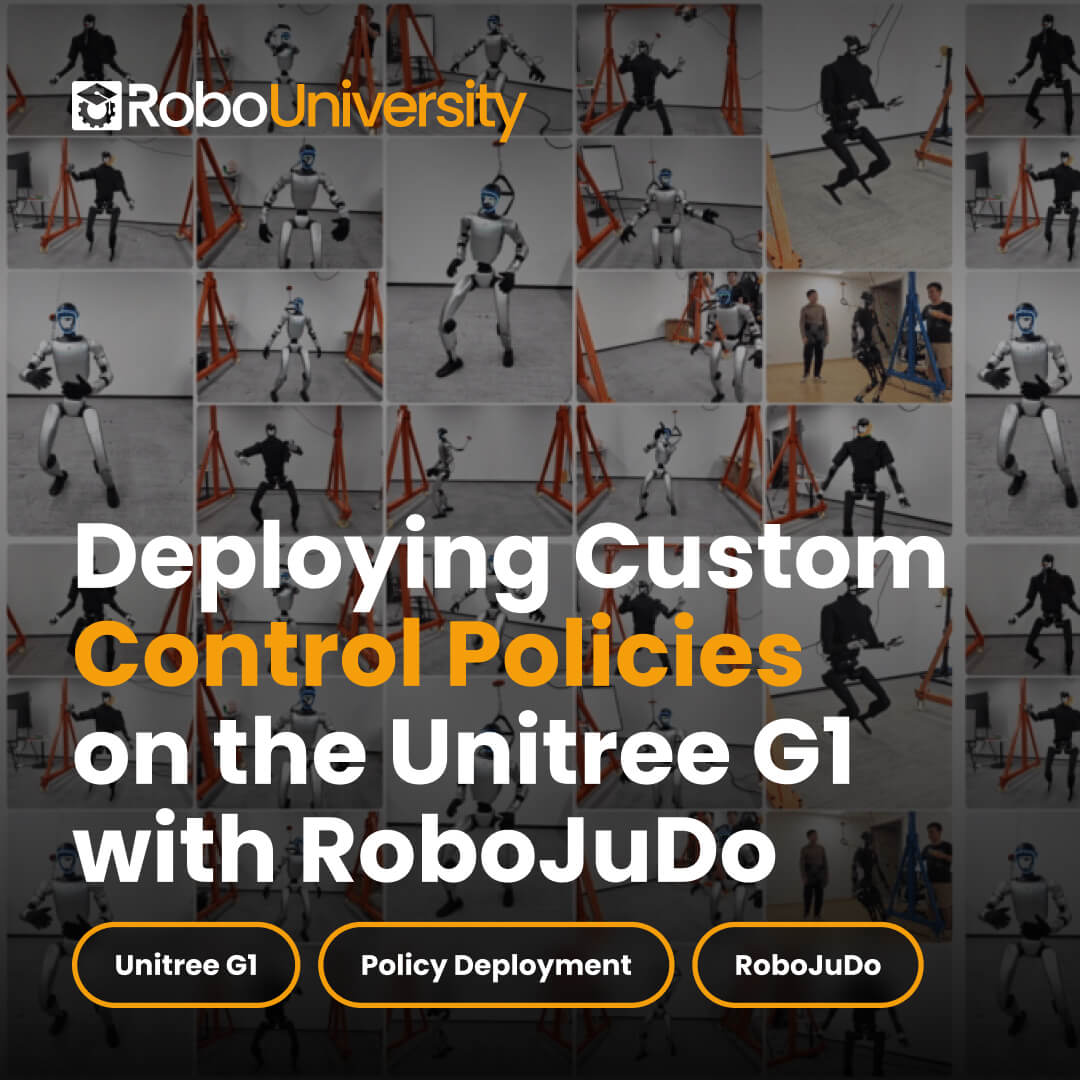
Course at a Glance

Robot

Video lessons

Time to complete

Level

Prerequisites
RoboJuDo: From Installation to Real Robot Deployment

Make It a Bundle
All-Access + Unitree G1 EDU
The robot every lesson runs on, on one invoice. Your choice of model, U1 to U8.
How It Works
- 1Get All-Access, or send us a purchase request.
- 2Receive your login by email.
- 3Start any RoboUniversity course: video lessons, structured learning and practice code.

Buying for a class or team? All-Access covers your whole organization.
How access works
After checkout we email your RoboUniversity login. Lessons, videos and sample code live in the online classroom, and you can return any time from Class Login.
Class and team access
Buying for a class, lab or team? All-Access is an enterprise-wide license that covers everyone.Speak to an expert.
Course at a Glance
Robot
Video lessons
Time to complete
Level
Prerequisites
Course Syllabus
Module 1 Getting Started3 lessons · 5 min
- Lesson 01 Installation1:47
- Lesson 02 Framework Architecture1:51
- Lesson 03 User Input1:54
Module 2 Understanding the System3 lessons · 5 min
- Lesson 04 PhysicsFree preview2:02
- Lesson 05 Policies1:57
- Lesson 06 Integration1:54
Module 3 Simulation Practice4 lessons · 8 min
- Lesson 07 Safe Testing2:05
- Lesson 08 Single Policy Sim2:04
- Lesson 09 Multi Policy Sim1:58
- Lesson 10 Locomimic Sim2:12
What you'll learn
- SSH access and environment setup on the G1 Jetson (Conda, PyTorch, SDK)
- Understanding RoboJuDo’s three pillars: Controller, Policy, Environment
- Running and debugging MuJoCo simulations at 50 Hz control loops
- PD control tuning and real-time physics monitoring
- Inspecting and benchmarking neural network policy models
- Single-policy, multi-policy, and LocoMimic pipeline configuration
- Safe validation workflows before sim-to-real deployment
- Deploying locomotion, dance, and athletic motions on real G1 hardware
- Emergency stop procedures and real-world safety protocols

Whats Included?
Step-by-step lessons
Structured lessons that walk you through programming and development concepts clearly and progressively.
Video instruction
Guided video walkthroughs and demonstrations that show real workflows and examples in action.
Sample code
Hands-on code examples you can use, modify, and build on to start working immediately.
Community support
Access to a growing network of learners and professionals working with Unitree robotics.
What you’ll learn
You’ll learn everything from setting up the G1’s Jetson to deploying motions on real hardware.
SSH and environment setup on the G1 Jetson with Conda, PyTorch and the SDK.
Run MuJoCo at 50 Hz control loops and tune PD control.
Benchmark policy models and configure single, multi-policy and LocoMimic pipelines.
Run locomotion, dance and athletic motions, with emergency stop procedures.
Tools you’ll use
More courses
Explore Every RoboUniversity Course
Buy courses one at a time, or get every course with All-Access.
 Free preview
Power on, connect, update and safely operate the Unitree G1 humanoid. A quick-start course with 6 short video lessons, from first setup to safe packing.
 Beginner
 6 lessons
 ~7 min
 Beginner
 6 lessons
 ~7 min

Generate, guide and export Unitree G1 humanoid motion data with Kimodo: text-prompted motion, keyframes, constraints and CSV export. Beginner friendly.
- Beginner
- 12 lessons
- 12+ hours
 Free preview
Install ROS 2, build Python and C++ packages, integrate the Unitree G1 SDK with a ROS-to-SDK bridge, then run the same control workflow safely in MuJoCo.
 Intermediate
- 21 lessons
- ~2–4 hours
 Intermediate
 Free preview
Simulate, tune and visualize Unitree G1 humanoid motion in MuJoCo: setup, physics control, motion replay and 3D dataset visualization with Rerun.
- Intermediate
- 10 lessons
- 20 hours

Build a real-time WebRTC command pipeline for Unitree Go2 and G1 with z4rtc: LAN connection, locomotion and gestures, video and audio streaming, LiDAR.
- Intermediate
- 12 lessons
- 18 min of video
 Free preview
Install DimOS on the Unitree G1 and build autonomy: navigation engine, perception, AI agents, mapping, autonomous navigation and custom agent skills.
- Intermediate
- 15 lessons
- 12+ hours
 Free preview
Build and deploy Vision-Language-Action systems on the Unitree G1: visual navigation, dexterous manipulation and world modeling with UniFoLM and GR00T.
 Advanced
- 9 lessons
- ~3–6 hours
 Advanced

Take the Unitree G1 from keyboard locomotion to autonomous manipulation with NVIDIA GEAR-SONIC and GR00T N1.6: teleop, data, fine-tuning and deployment.
- Advanced
- 8 lessons
- ~8–12 hours
 Free preview
Build, train and deploy locomotion policies with NVIDIA Isaac Sim, Isaac Lab and RSL-RL, then transfer them to a real robot. An end-to-end Sim2Real course.
- Advanced
- 7 lessons
- ~3 hours
 Free preview
Teach the Unitree G1 humanoid to move from human video: build motion datasets, train control policies and deploy them on a real G1 with HDMI.
- Advanced
- 6 lessons
- ~4–5 hours

Collect demonstrations, clean LeRobot datasets, fine-tune an Isaac-GR00T N1.7 VLA policy and deploy it on the Unitree G1 with PolicyServer.
- Advanced
- 8 lessons
- 5–8 days
Trusted by Top Universities and Schools
We’re partnering with the best to train the brightest minds in the future of robotics.





Frequently Asked Questions
How Does Access Work After I Buy?
Courses are delivered through RoboUniversity’s online classroom. After checkout we email your login, and you can return any time from Class Login.
Is This Course Included in All-Access?
Yes. All-Access includes every RoboUniversity course, including this one, plus future releases for 1 year at no extra cost.
What Hardware and Software Do I Need?
You would typically need a Unitree G1 and a computer. Some courses specifically require a Linux operating system, Python, and potentially software like Isaac Sim or the Unitree Explore app.
Does All-Access Cover a Whole Class or Team?
Yes. All-Access is an enterprise-wide license, so it covers every seat in your organization. Speak to an expert and we’ll set it up.
Do Courses Include Access to Simulations, and What Are the Requirements?
Access to simulations is provided, but you would need to have the corresponding Unitree hardware to utilize them effectively.
Why RoboUniversity?
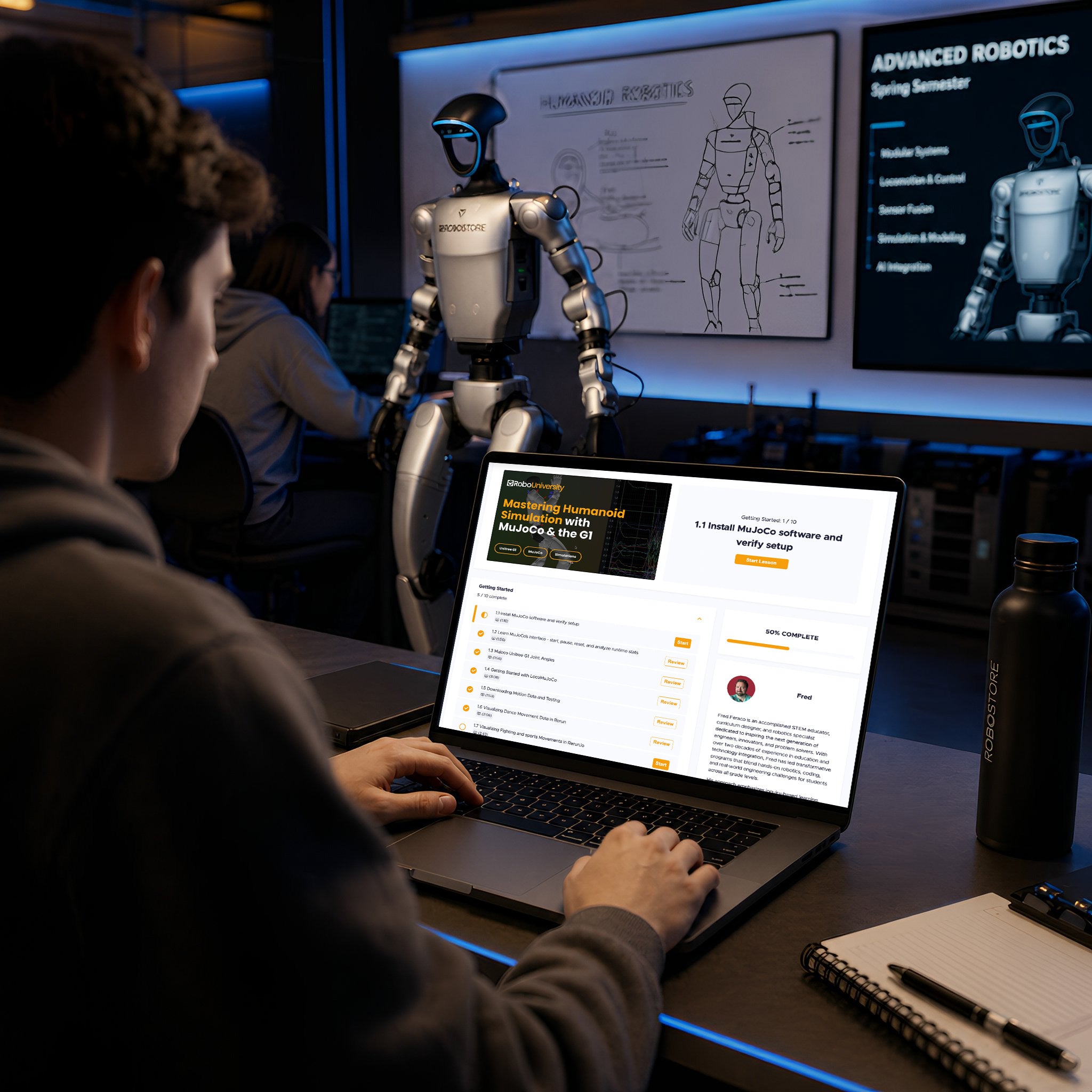
01
JUMP IN FASTER
Step-by-step lessons remove the steep learning curve of robotics, allowing students to start building quickly without educators creating curriculum from scratch.
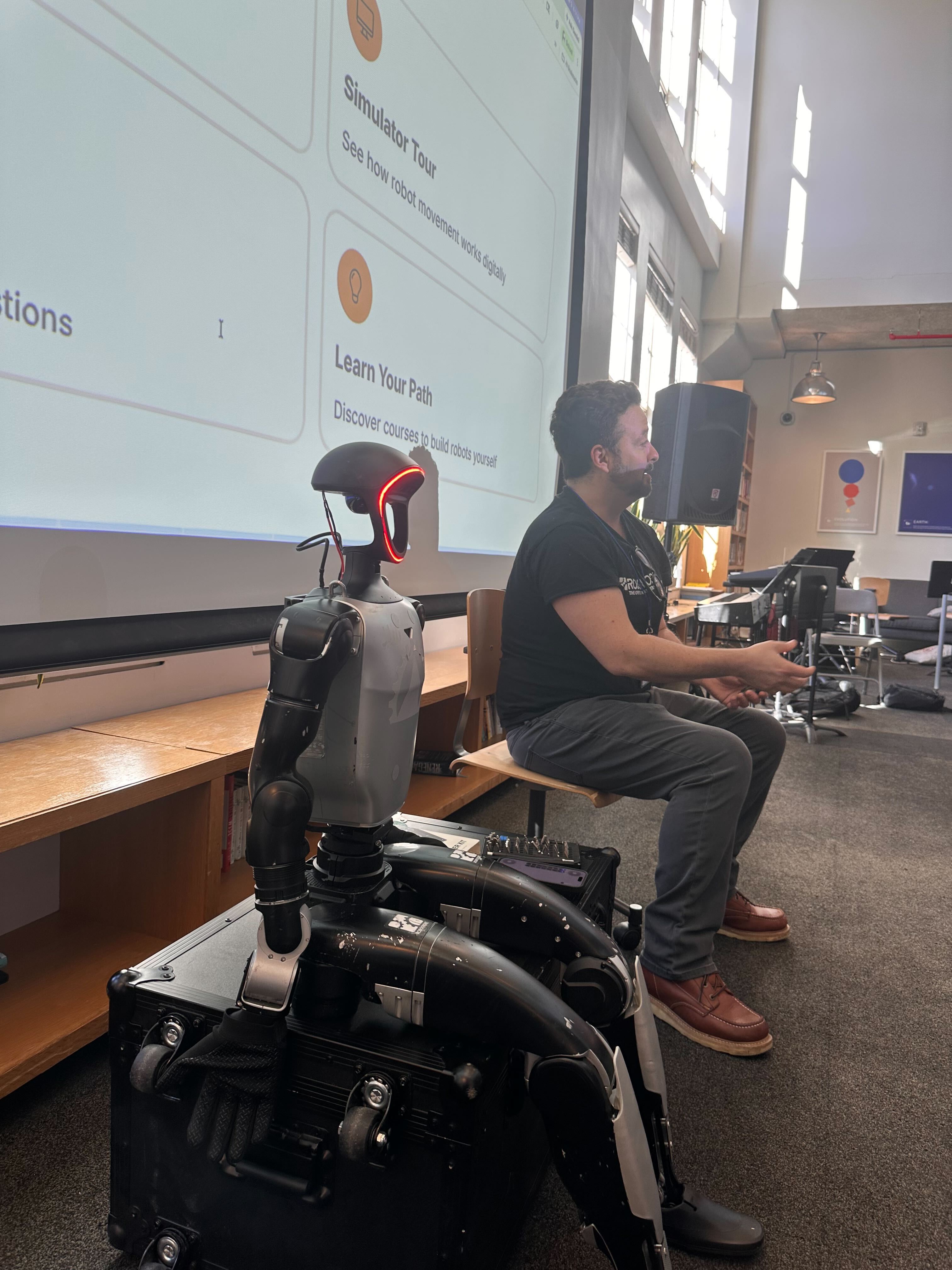
02
BUILT BY PRACTITIONERS
Courses are created by professionals actively working with Unitree robotics, grounded in real-world applications rather than generic theory.
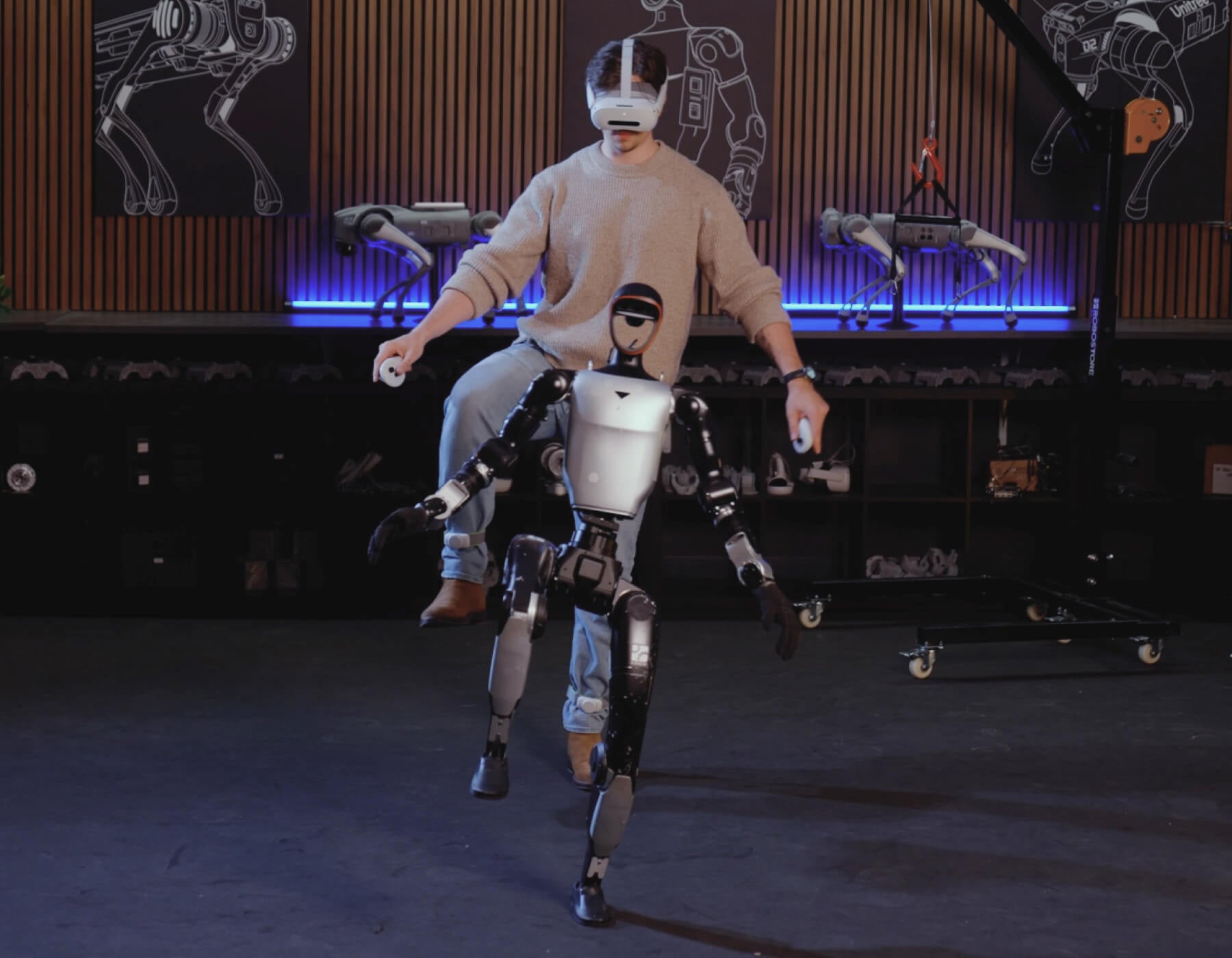
03
BUILT FOR UNITREE HARDWARE
Lessons are designed specifically for the Unitree G1 humanoid, so what you learn directly applies to the hardware you are using.
Get in touch
Prefer to talk?
Book a Discovery Call
Tell us about your team and robots, and we’ll put the robot and the curriculum on one quote.