

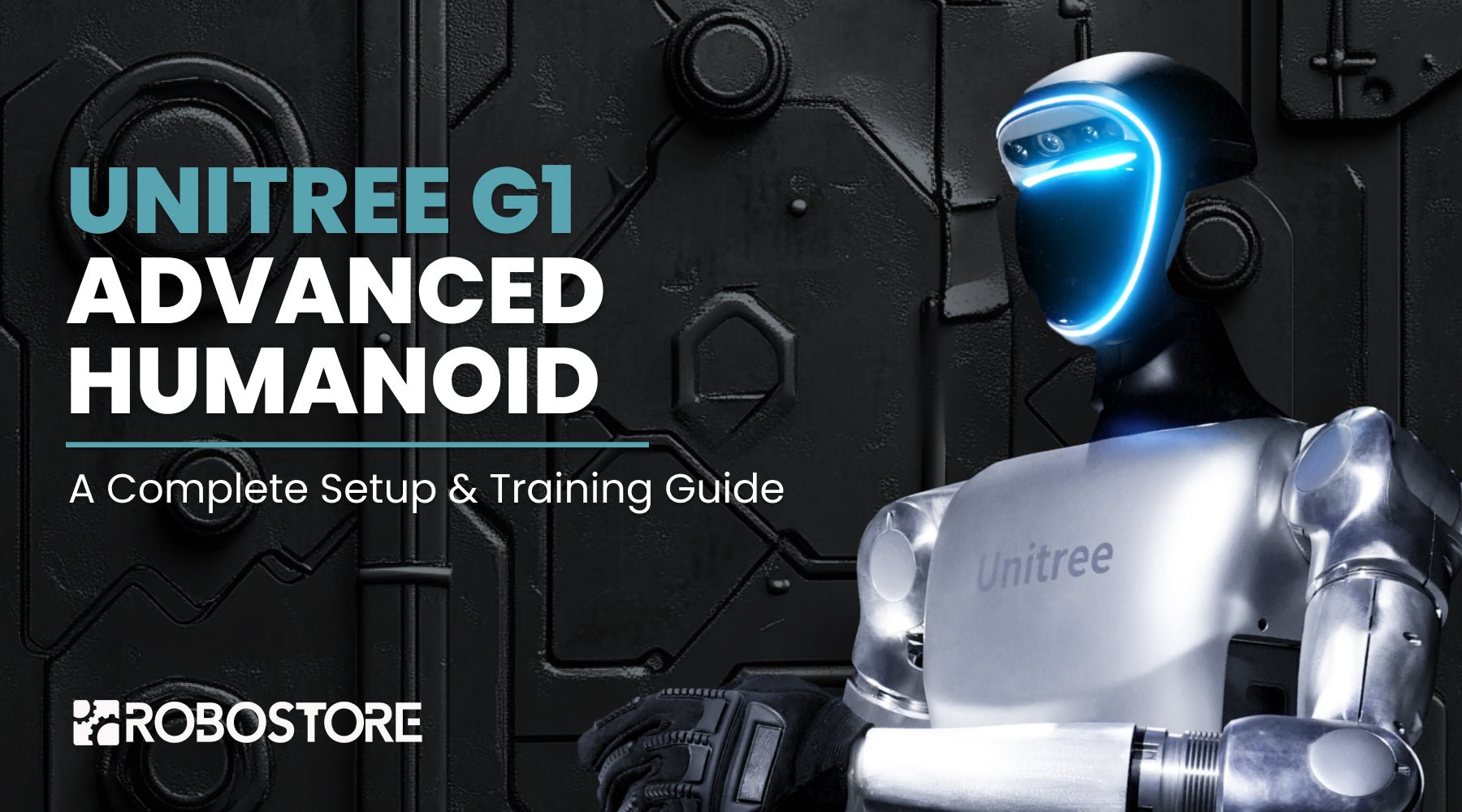
The Unitree G1 Humanoid is a powerful platform for robotics research, AI training, and real-world applications. Whether you are using the G1 Base Model (23 DOF) or the G1 EDU Plus (29 DOF), or the more advanced versions like the G1 EDU Ultimate A or G1 EDU Ultimate B, following a structured setup process ensures optimal performance and reliability.
This guide provides a step-by-step walkthrough of the key setup procedures, including network configuration, calibration, and movement control, with video tutorials for additional support.
1. Establishing a Stable Network Connection
A reliable network connection is essential for controlling and programming the G1. Setting up Wi-Fi or Ethernet correctly ensures smooth communication with your PC and remote control.
2. Proper Startup and Shutdown Procedures
Following the correct startup and shutdown procedures helps prevent system errors and hardware issues, ensuring the longevity of your G1.
3. Binding the Remote Control
The G1 remote control allows for manual operation and quick testing of movements. Proper binding ensures stable communication between the remote and the robot.
4. Entering Debug Mode
Debug Mode provides access to system diagnostics and troubleshooting tools, helping identify and resolve any operational issues before running advanced applications.
5. Understanding Basic Posture & Movement Controls
Before running advanced locomotion tests, it is important to familiarize yourself with the G1’s movement controls and posture adjustments to ensure smooth operation.
6. Calibrating the G1 for Optimal Performance
Proper calibration ensures accurate movement, joint articulation, and balance. Select the appropriate guide based on your model:
For G1 Base Model (23 DOF) & G1 EDU Standard:
For G1 EDU Plus & Higher Models (29 DOF):
Next Steps
Once your Unitree G1 Humanoid is properly set up and calibrated, you are ready to explore its advanced capabilities, including reinforcement learning, AI-driven control, and research applications.
For further resources, continue exploring our G1 Training Library and stay updated with the latest developments in humanoid robotics.



Share:
Robostore Hits CES 2025 with Unitree Robotics
Harnessing the Power of Reinforcement Learning: A Guide to Unitree G1's RL Control Routine