


Key Features

Active DOF

Net Weight

Battery Capacity
Battery Life

Maximum Payload

Walking Speed

Max Joint Torque

Onboard Compute

Warranty
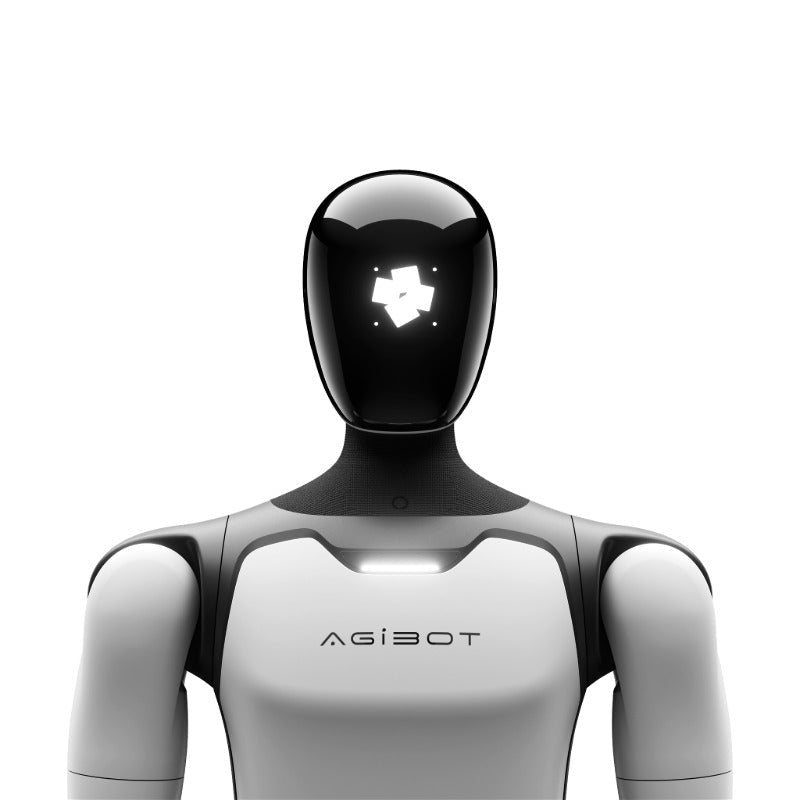
AGIBOT X2 Neo Humanoid Robot

Key Features
Active DOF
Net Weight
Battery Capacity
Battery Life
Maximum Payload
Walking Speed
Max Joint Torque
Onboard Compute
Warranty
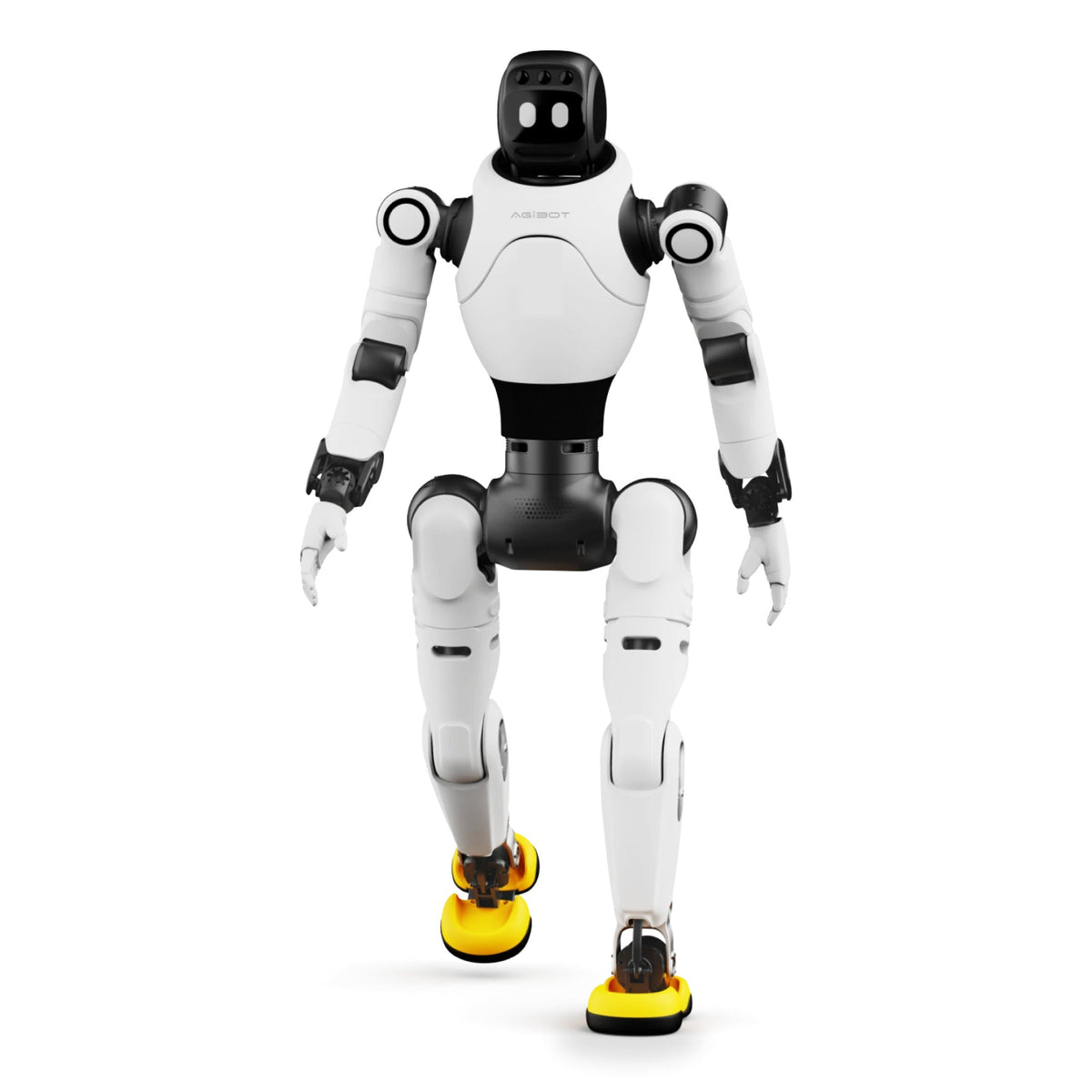
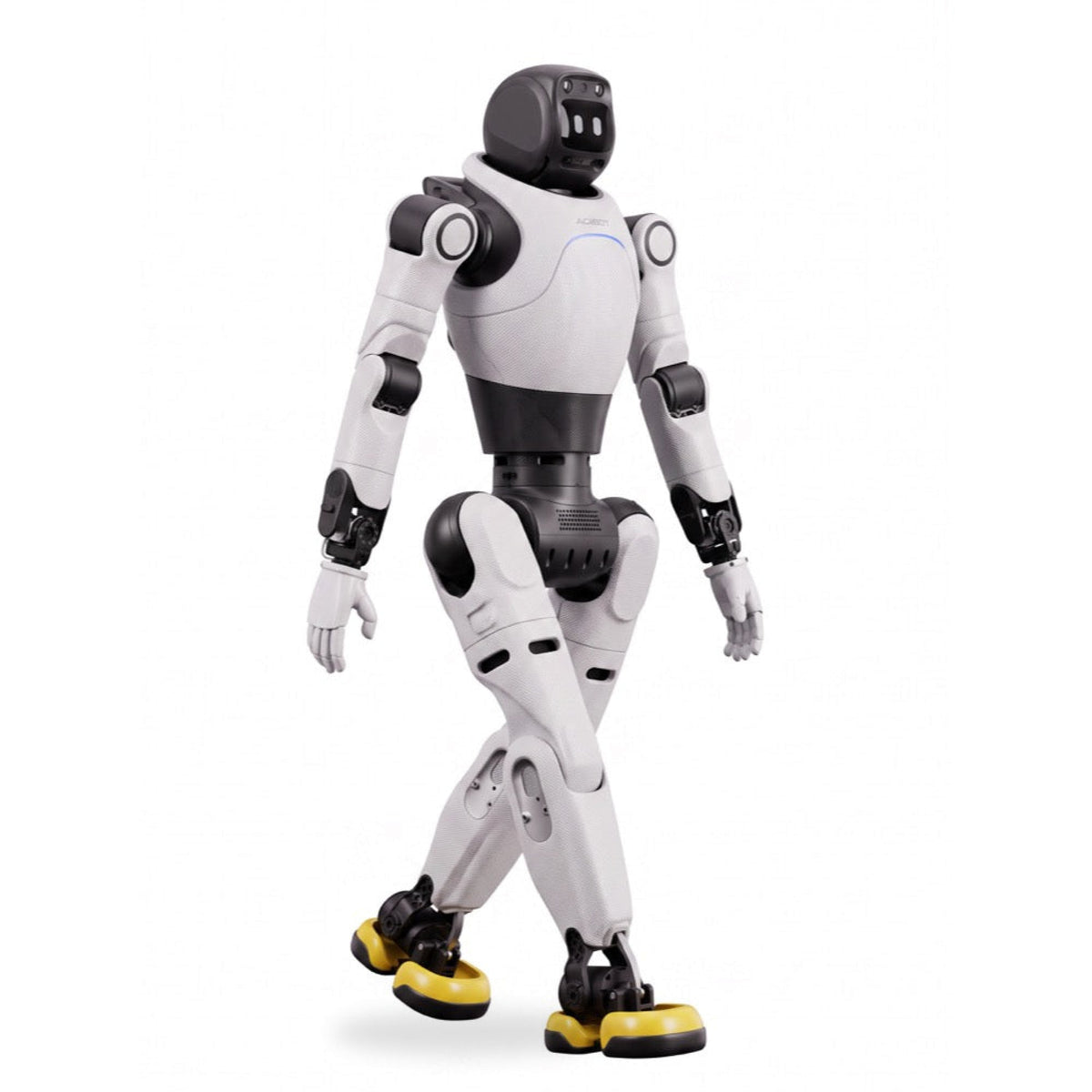
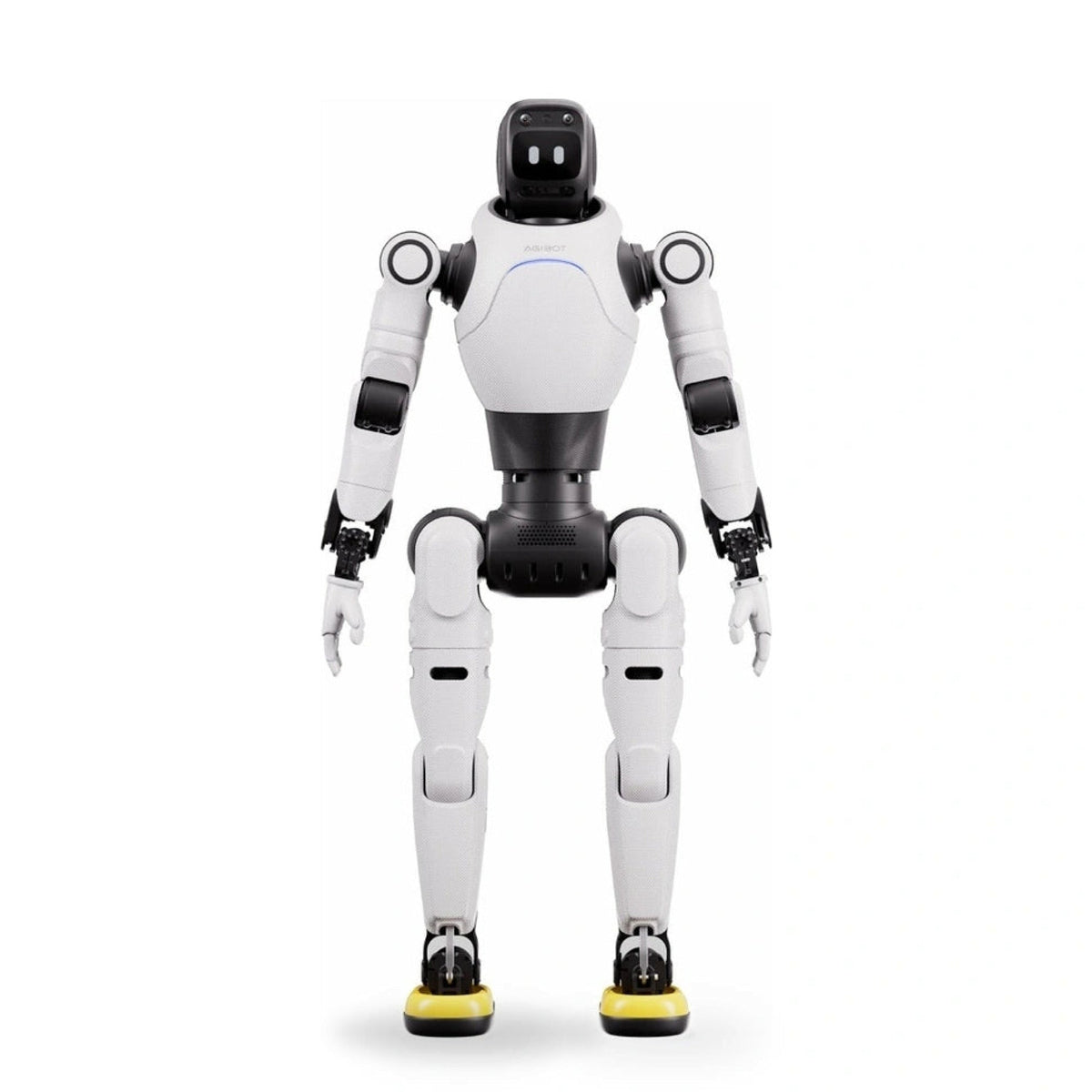
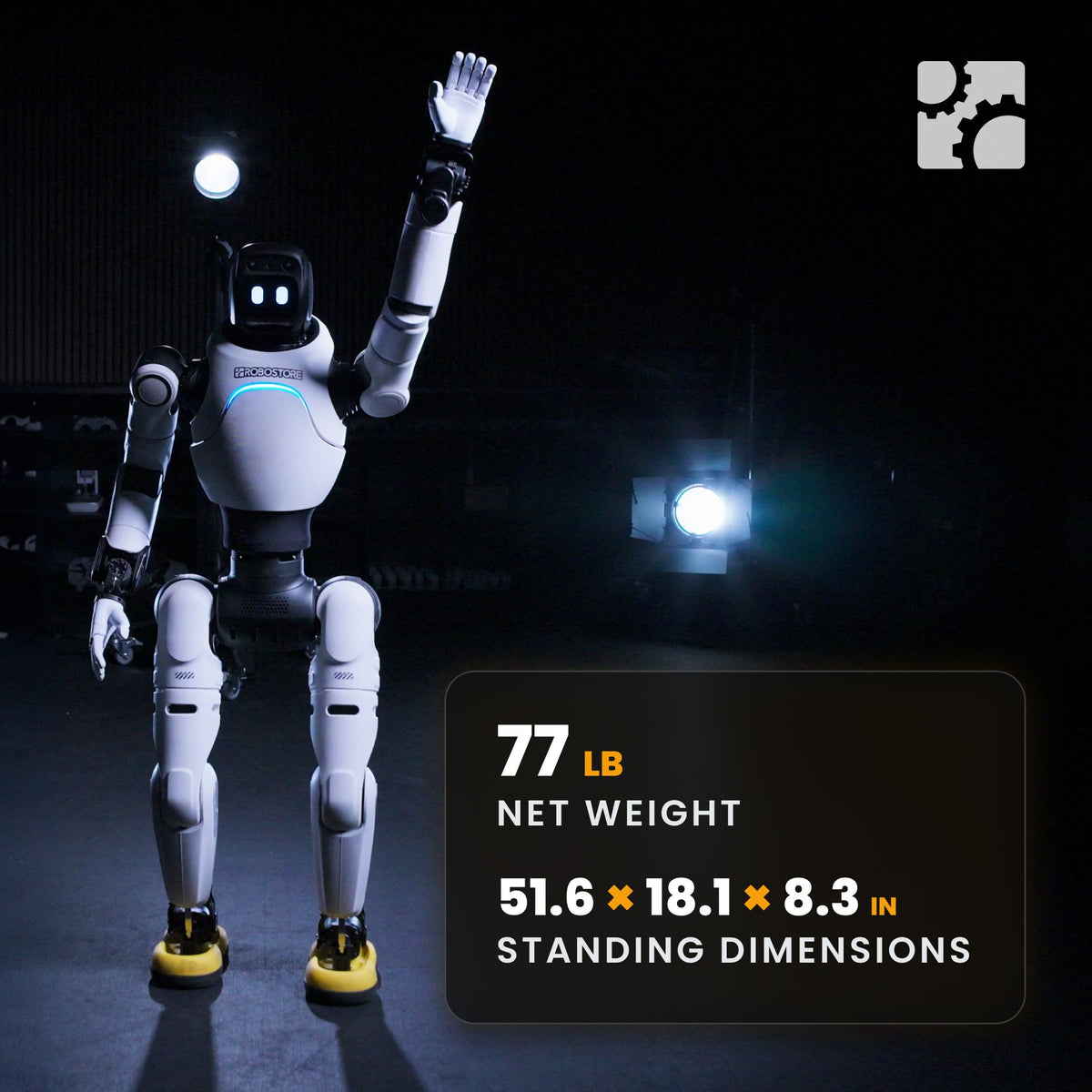
The AGIBOT X2 Neo is a 131 cm, ~37 kg half-scale bipedal humanoid built for performance and presence — events, stage, retail activations, visitor centres and classrooms. Thirty active degrees of freedom, more than twenty built-in motions and an expression display, in a package two people can lift and a van can carry.
Product Description
AGIBOT X2 Neo — Half-Scale Humanoid for Entertainment, Events and Education
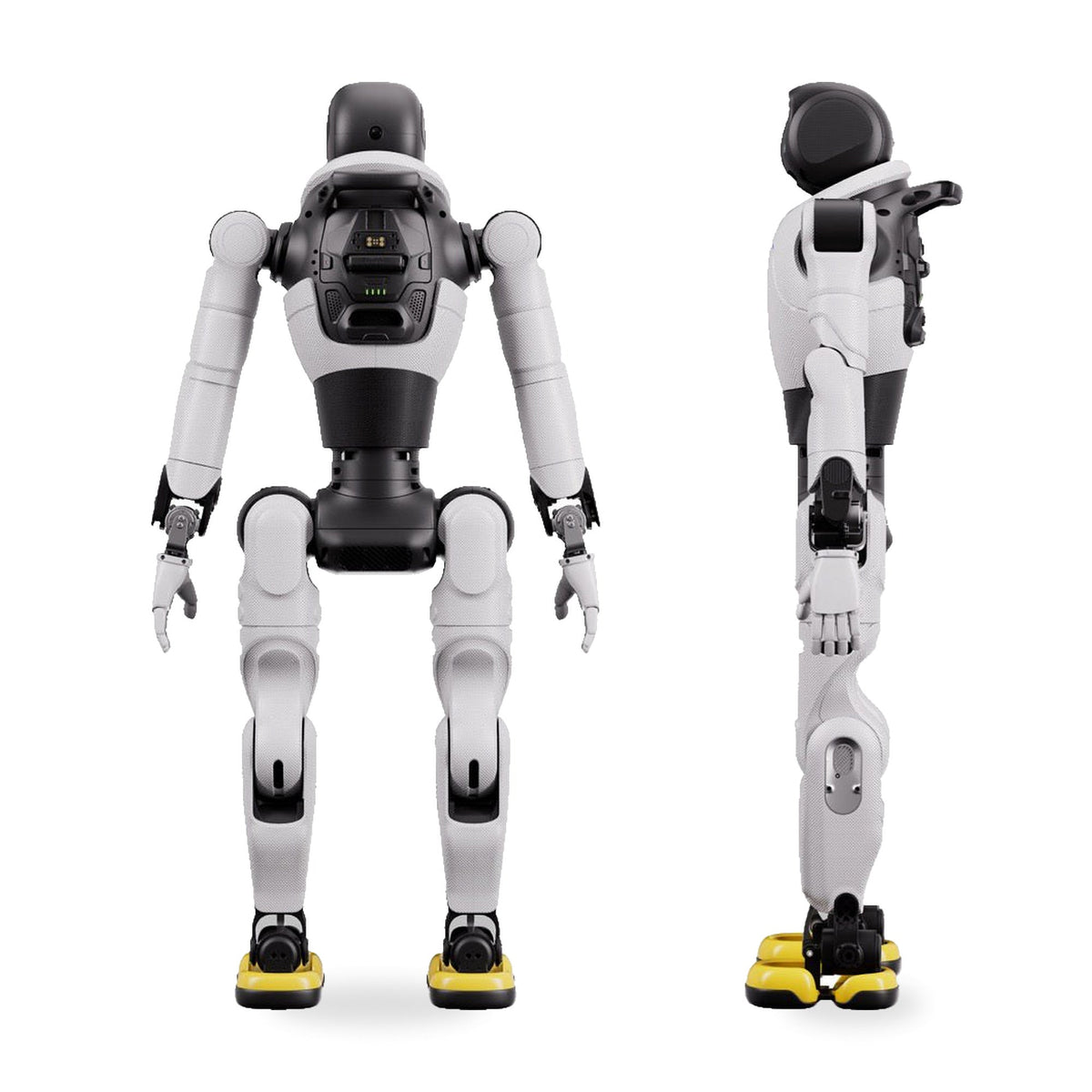
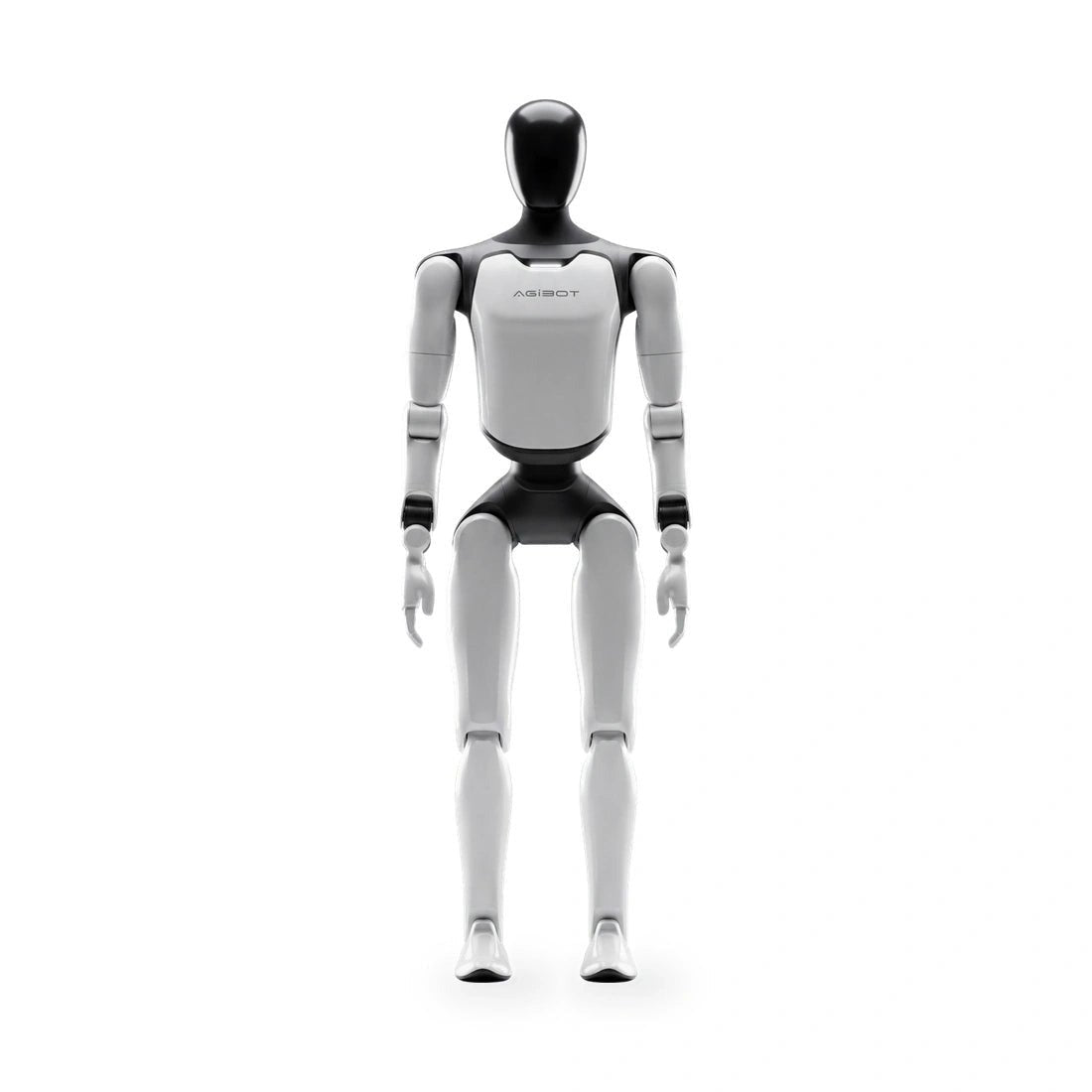
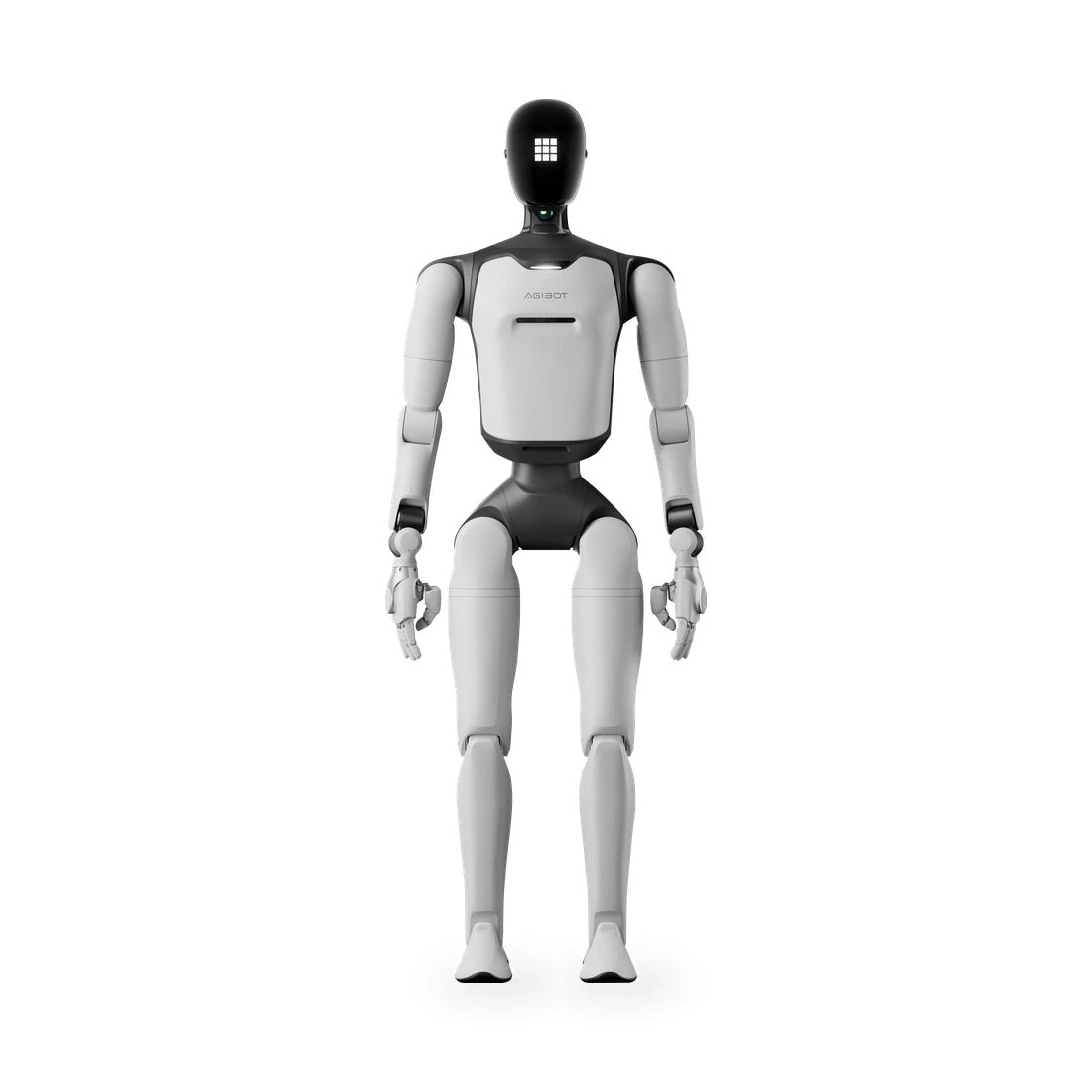
The AGIBOT X2 Neo is a 131 cm bipedal humanoid built for performance and presence. It walks, dances, gestures, talks and holds an expression — and at roughly 37 kg and half human scale, two people can lift it into a van and have it on its feet in a few minutes. For events, stage work, retail activations, visitor centres and classrooms, it is the most practical walking humanoid AGIBOT makes.
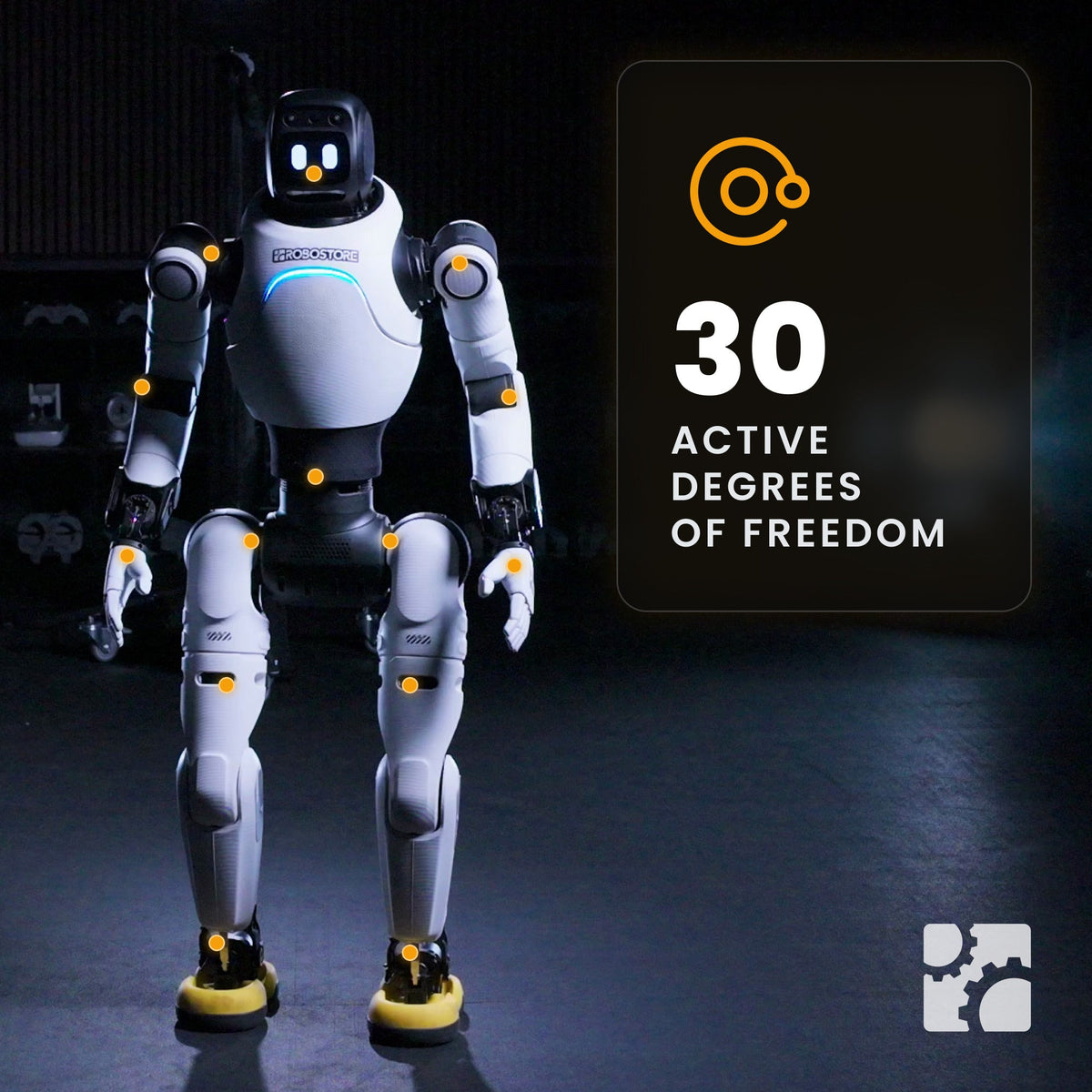
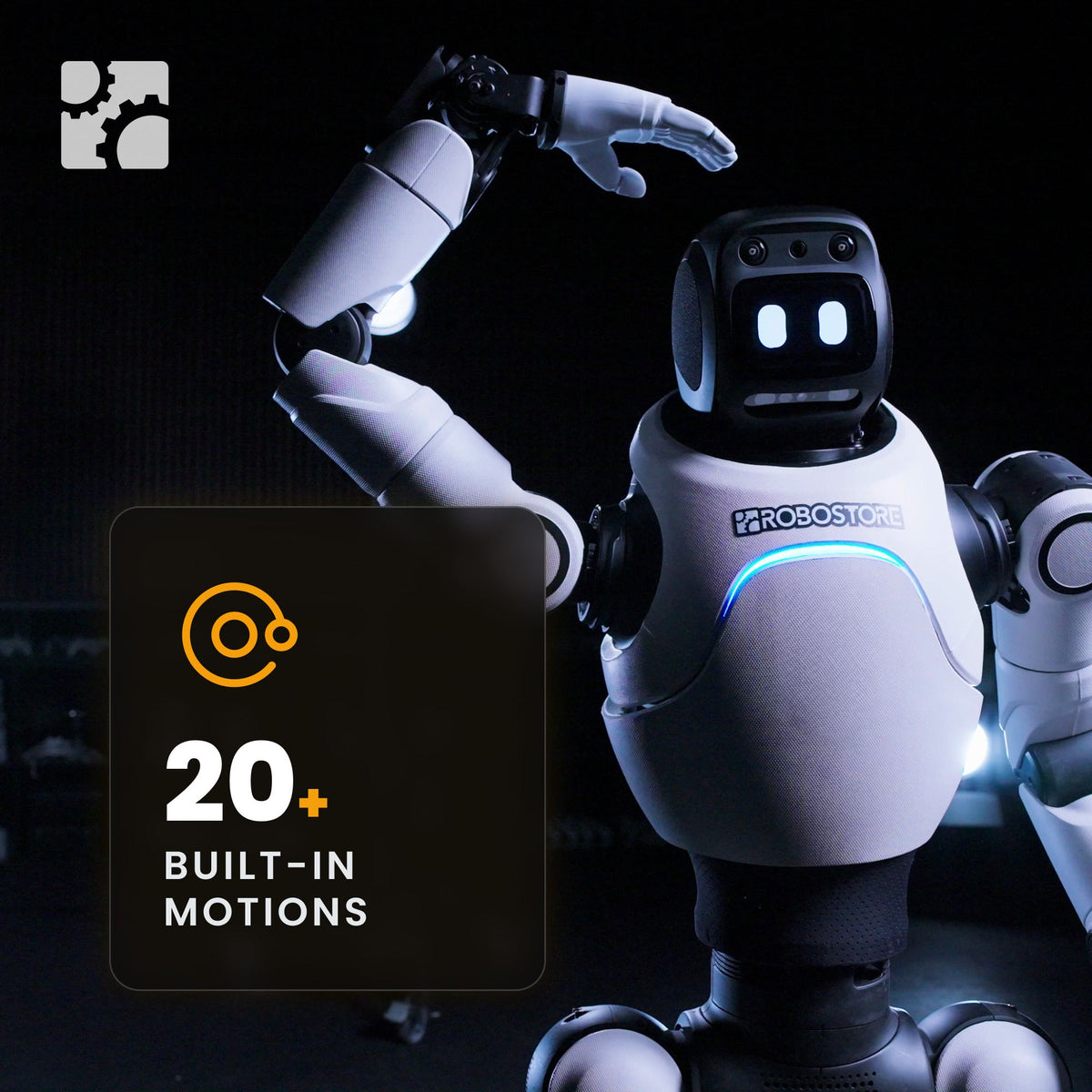
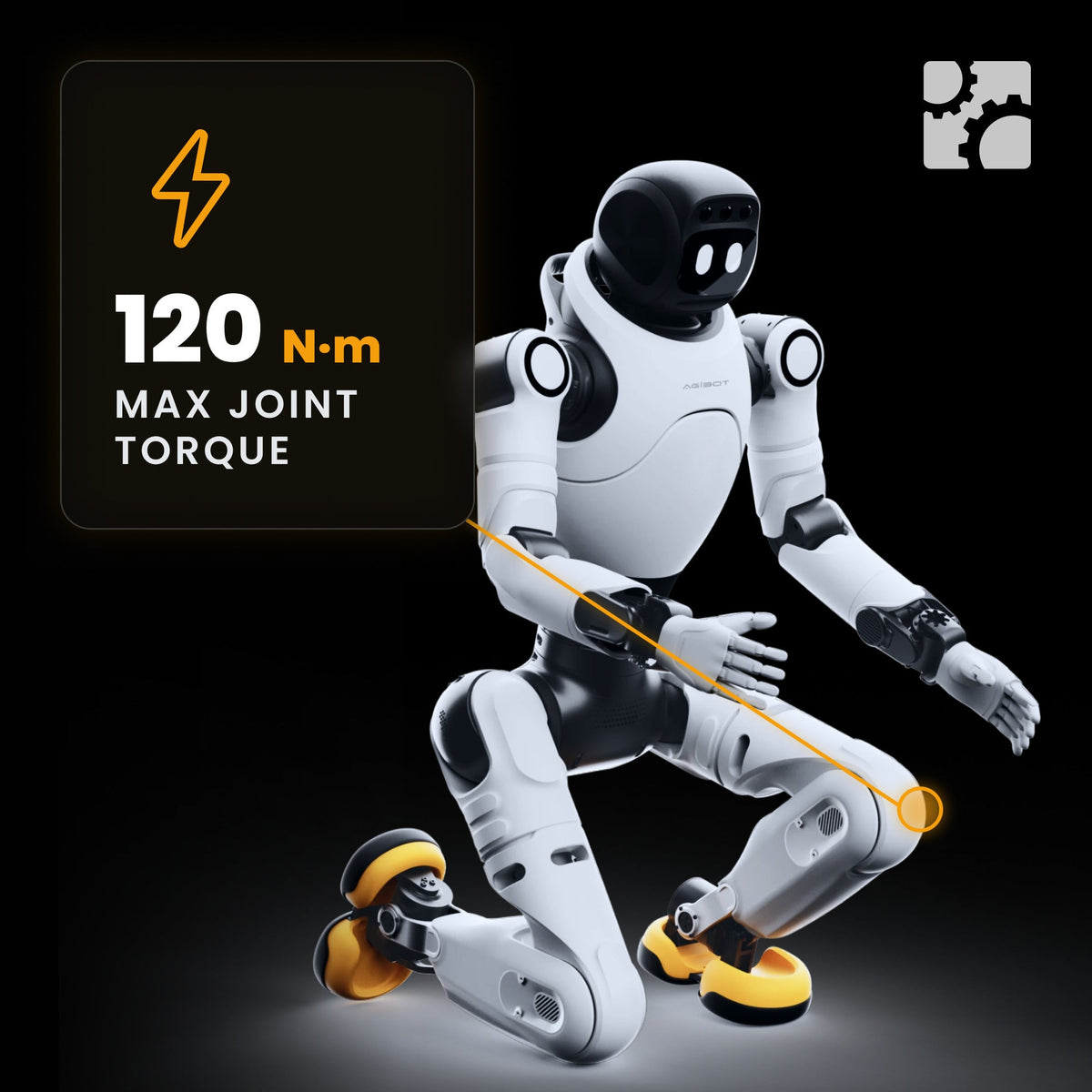
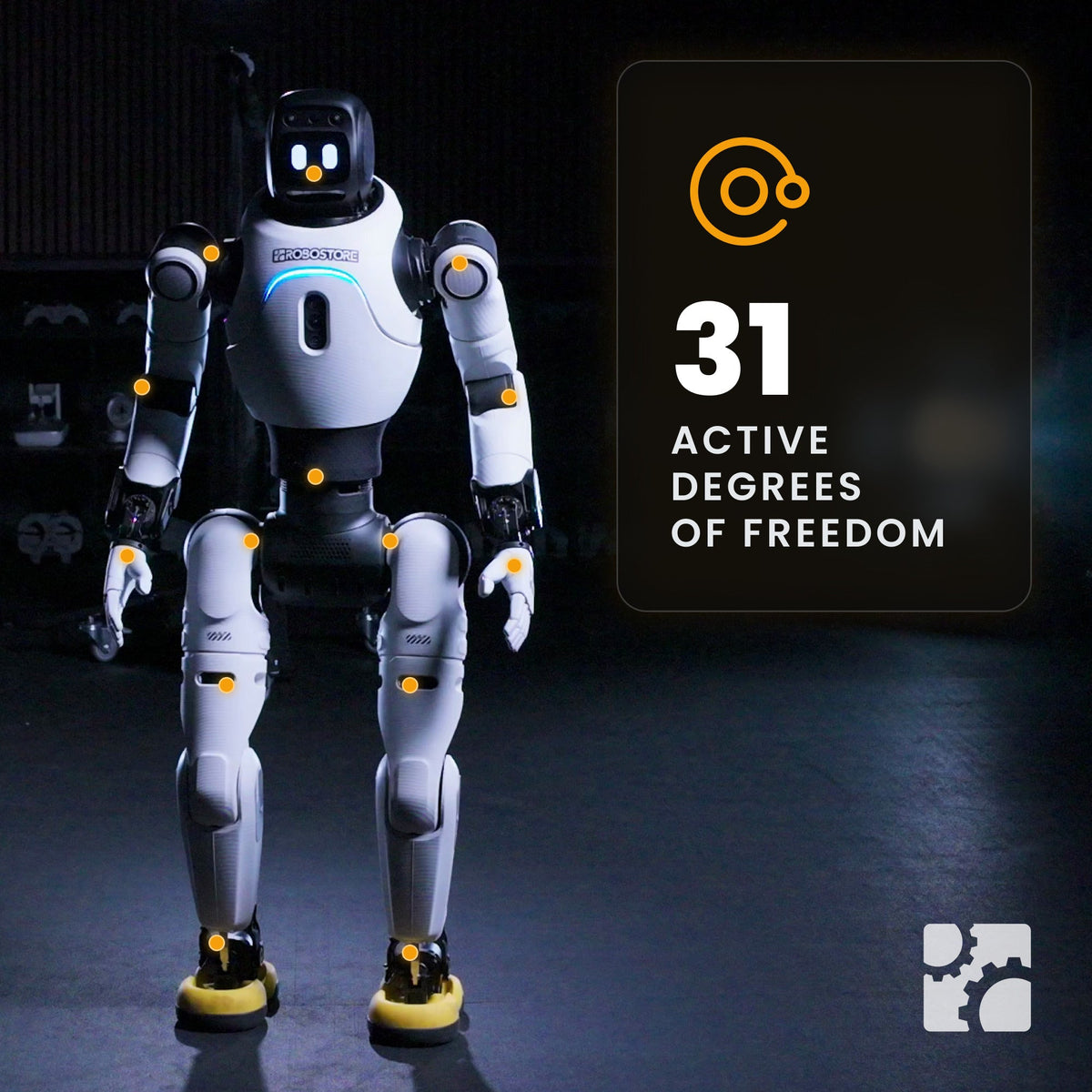
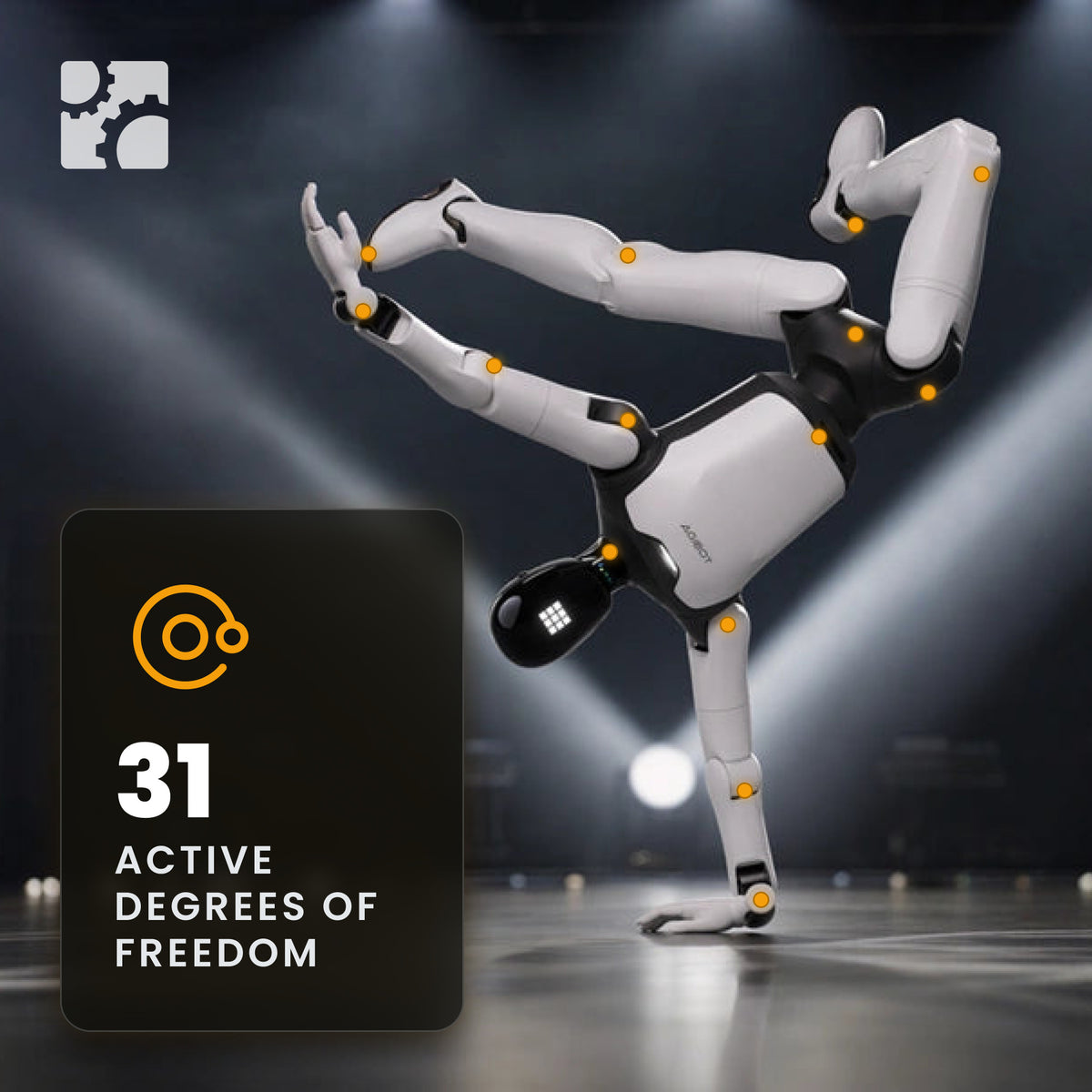
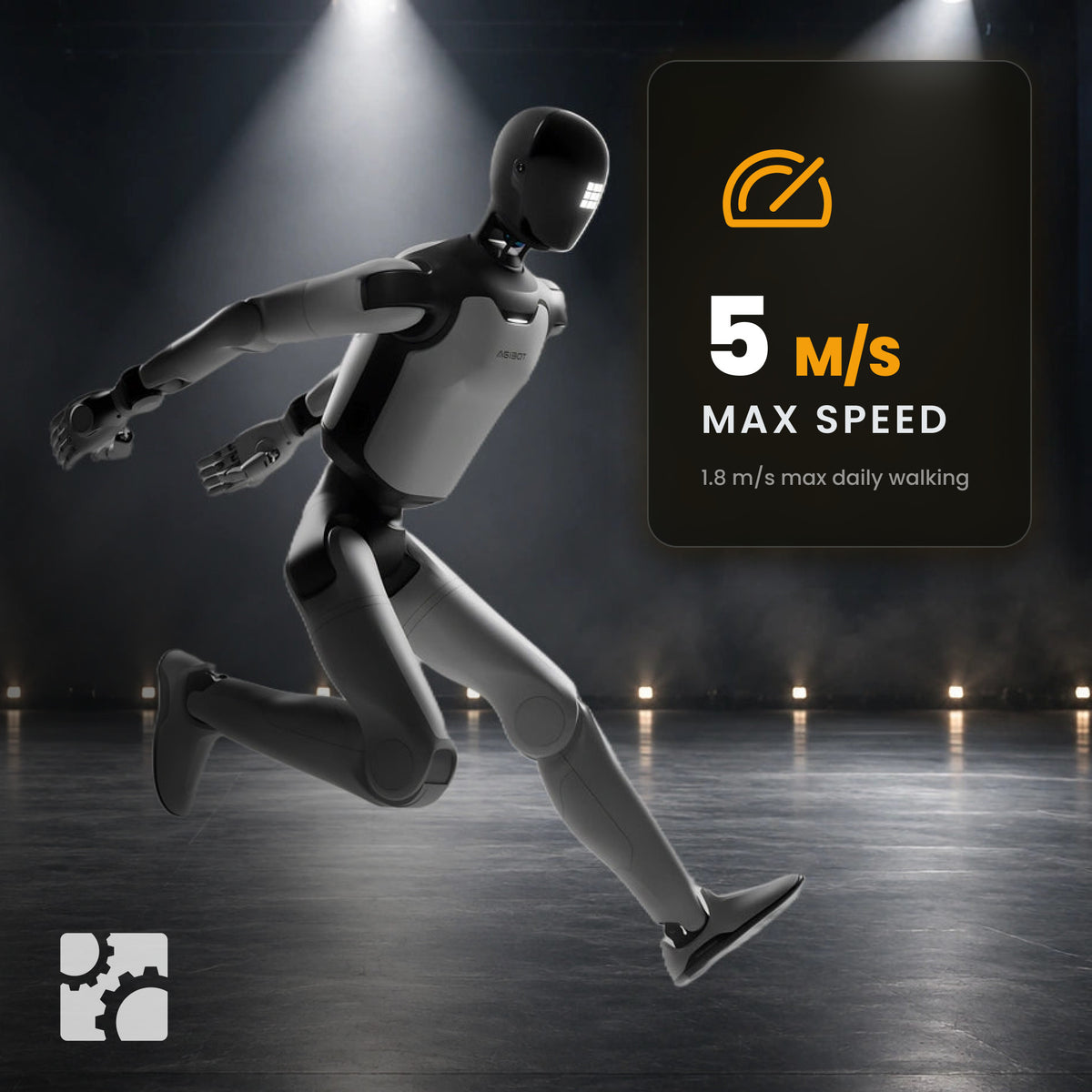
Thirty active degrees of freedom drive it: one in the head, seven per arm, three at the waist and six per leg, with a maximum joint torque of 120 N·m. It runs at up to 1.8 m/s in running mode, carries 3 kg at the end effector, clears a 50 mm step and turns inside a 900 mm circle. More than twenty motions are built in and ready to trigger from the remote, the AGIBOT Go app or a voice command.
A roughly 500 Wh battery gives about two hours of operation and recharges from 15% to full in about an hour and a half at a typical draw of 240 W. An expression display, speaker, microphone, LED ring and head touch sensor handle the interaction side; 4G/5G, Wi-Fi 6 and Bluetooth handle connectivity.
Why the X2 Neo
Half Scale Is the Practical Scale. At 131 cm and ~37 kg, the X2 Neo fits a passenger lift, a standard road case and a two-person lift. Full-size humanoids need a crew, a crate and a plan; this one needs a van.
A Performer Out of the Box. Twenty or more built-in motions, an expression display, a speaker and a head touch sensor. Trigger a routine from the handheld remote, the AGIBOT Go app or your voice — no programming required to put on a show.
Real Bipedal Walking. 120 N·m maximum joint torque, up to 1.8 m/s in running mode, a 50 mm step and obstacle clearance and ±10° slope capability. It crosses a real floor, not a prepared one.
Power for Your Own Payload. 12 V/3 A and 48 V/5 A external power outputs let you hang your own hardware on it without a second battery.
Rugged Enough to Travel. Aluminium and magnesium alloy structure with high-strength engineering plastics and foamed polyurethane, rated from −10 °C to 40 °C, in a 873 × 561 × 443 mm case.
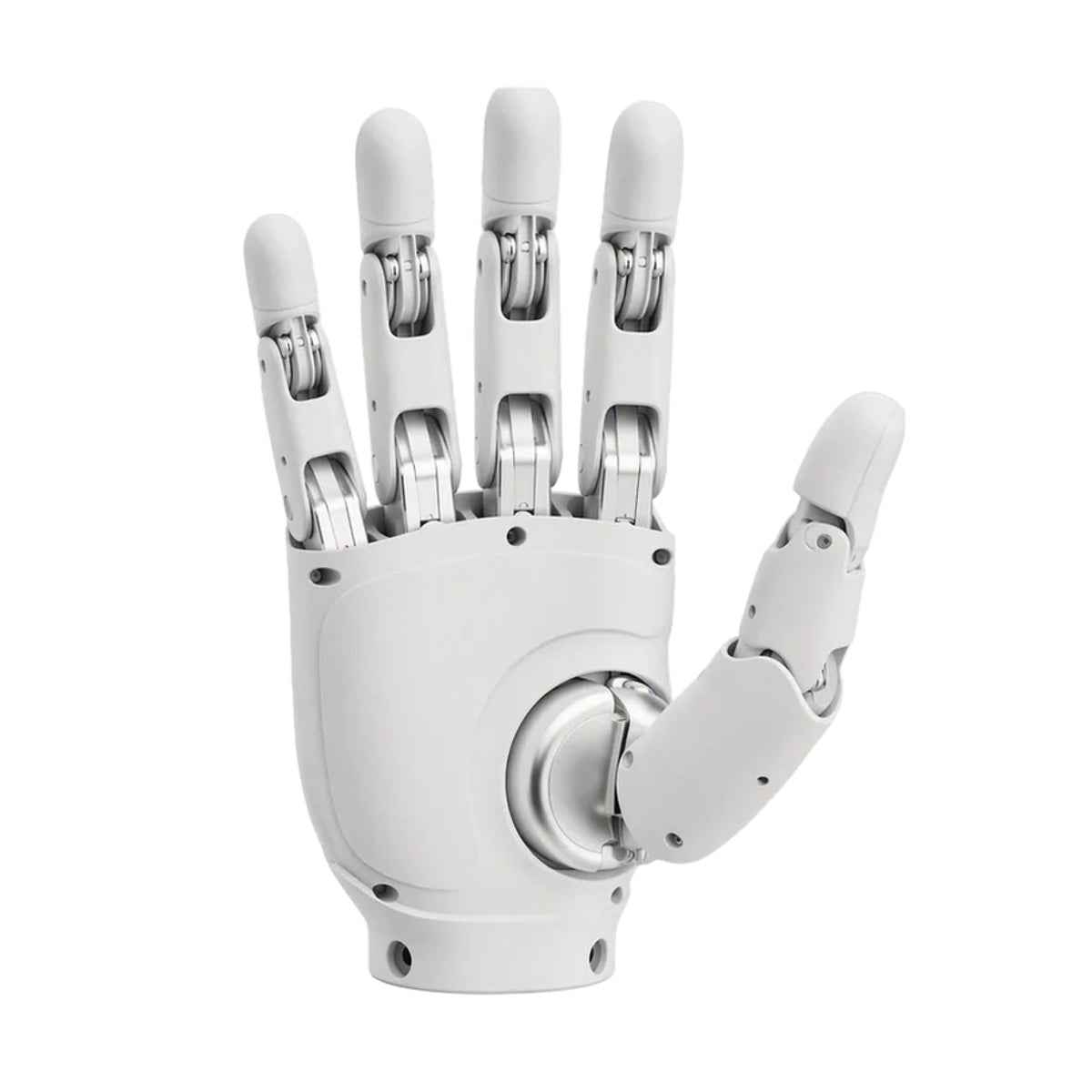
Hand Options Select your end effector configuration at checkout. Prices shown include a matched left and right pair; AGIBOT end effectors are also sold individually as standalone products.
Key Features of the AGIBOT X2 Neo
- 1310 × 460 × 210 mm, ~37 kg — half-scale bipedal humanoid
- 30 active DOF — 1 head, 7 per arm, 3 waist, 6 per leg
- 120 N·m maximum joint torque — 3 kg maximum end payload in a specific posture
- ≤1.8 m/s in running mode — 50 mm maximum step, 50 mm minimum obstacle, ±10° slope, 900 mm turning width
- ~500 Wh battery — ~2 h runtime, ~1.5 h charge from 15% to 100%, ~240 W typical consumption
- Expression display, speaker, microphone, LED and head touch sensor
- Front interactive RGB camera — plus a high-precision 6-axis IMU
- RK3588s ×1 and RK3588 ×1 — basic function module
- ≥20 built-in motions — controlled by handheld remote, the AGIBOT Go app or voice
- 4G/5G, Wi-Fi 6 and Bluetooth — USB-C ×1 debug interface
- 12 V/3 A and 48 V/5 A external power outputs — for your own payload
- −10 °C to 40 °C operating range — aluminium and magnesium alloy structure
- 8-month warranty
- In the box — body, charger, microphone, remote, user guide, CoC
A Note on End Effectors
AGIBOT’s X2 datasheet lists the X2 Neo with a dummy hand. Robo Inc. confirms that every AGILINK, BrainCo and Inspire hand in our catalogue is mechanically compatible with every X2, A3 and G2 variant — but on the Neo specifically, the wrist flange, adapter and firmware revision should be confirmed with us at order time rather than assumed. If a dexterous hand is central to your use case, the X2 Ultra is the configuration AGIBOT specifies for it.
Also Available: AGIBOT X2 Ultra
The AGIBOT X2 Ultra shares the X2 shell and adds a 3D LiDAR, an RGB-D camera, front binocular and rear RGB cameras, a second head DOF, an NVIDIA Orin NX 16GB secondary development module, optional VR teleoperation, three USB-C ports and two RJ45 ports — and an 18-month warranty.
Specifications subject to change. All figures reflect AGIBOT manufacturer data current as of November 2026. For the most current information, custom configurations or volume pricing, contact sales@robostore.com.
Pairs Well With
Buy It With:
AGIBOT X2 Neo Humanoid Robot
Active DOF
Max joint torque
Battery capacity
AGIBOT X2 Neo Specifications
Basic Info
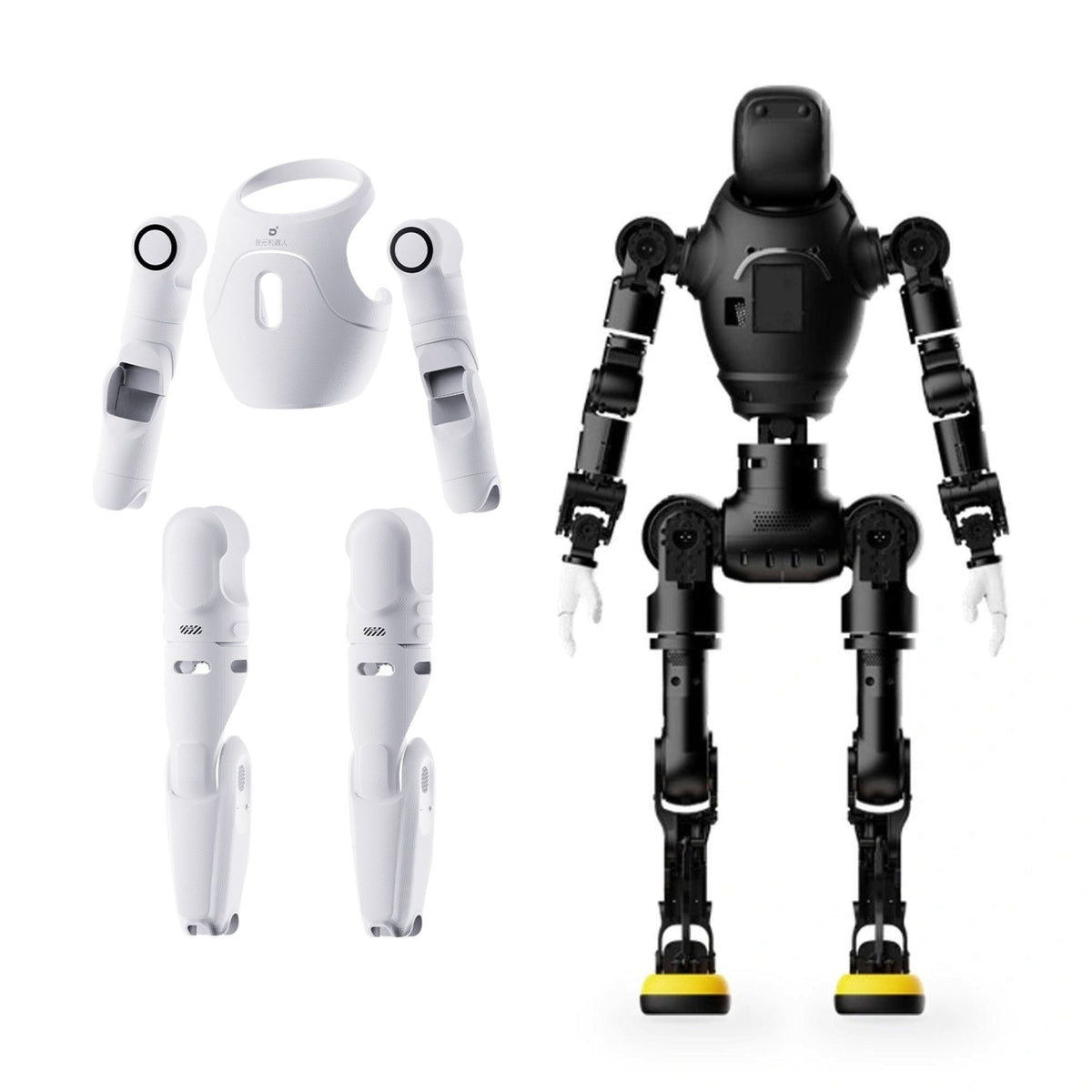
- Material: Al alloy + Mg alloy + high-strength engineering plastics + foamed polyurethane
- Standing Dimensions (H × W × D): 1310 × 460 × 210 mm ±30 mm
- Package Size (L × W × H): 873 × 561 × 443 mm
- Arm / Leg Length: ≥558 mm / ≥610 mm
- Net Weight (datasheet): ~37 kg
- Weight (refresh brochure): 35 kg
- Gross (package) Weight: ~63.5 kg
Performance
- Typical Power Consumption: ~240 W
- Operating Temperature: -10 °C to 40 °C
- Battery Capacity / Life / Charging: ~500 Wh / ~2 h / ~1.5 h (15→100%)
- Walking Speed: ≤1.8 m/s running mode (brochure: 2 m/s)
- Maximum Payload: 3 kg (specific posture, excl. end effector)
- Supported End Effectors: Dummy hand
- Max Step / Min Obstacle / Slope / Turning Width: 50 mm / 50 mm / ±10° / 900 mm
Joints
- Active DOF: 30
- DOF Distribution: Head 1, Arms 7, Waist 3, Legs 6
- Max Joint Torque: 120 N·m
Sensors
- Vision Sensors: Front interactive RGB ×1
- Motion Sensor: High-precision 6-axis IMU ×1
Functions
- Basic Function Module: RK3588s ×1 + RK3588 ×1
- Secondary Development Module: N/A
- Interaction Module: Expression display, speaker, mic, LED, head touch sensor
- Communication: 4G/5G, WiFi 6, Bluetooth
- Control Methods: Remote, AGIBOT Go App, voice
- Built-in Motions: ≥20
- Debug Interfaces: USB-C ×1
- External Power Output: 12 V/3 A ×1 & 48 V/5 A ×1
Accessories & Warranty
- Packing List: Body, user guide, charger, CoC, mic, remote
- Warranty: 8 months
What's Included:

Robot Body

Battery + Charger

Handheld Remote

Microphone

User Guide
Certificate of Conformity
Key Features

Walks the world people actually live in
Shot in a public park, not a lab. X2 handles gravel, cobbles and kerbs with pedestrians moving around it, and keeps its balance without a prepared route.

Draws a crowd
Out among the public rather than roped off on a stand. This is what earns it a place at an event, an activation or a visitor centre.

Where your customers are
Retail floors, lobbies and visitor spaces. At 131 cm and around 37 kg, two people can lift it into a van and have it on its feet in minutes.

Built on a real production line
Actuator assembly, test floors and aisles of finished units. X2 is manufactured at volume, which is why it is priced where it is.
Need Help Deciding?
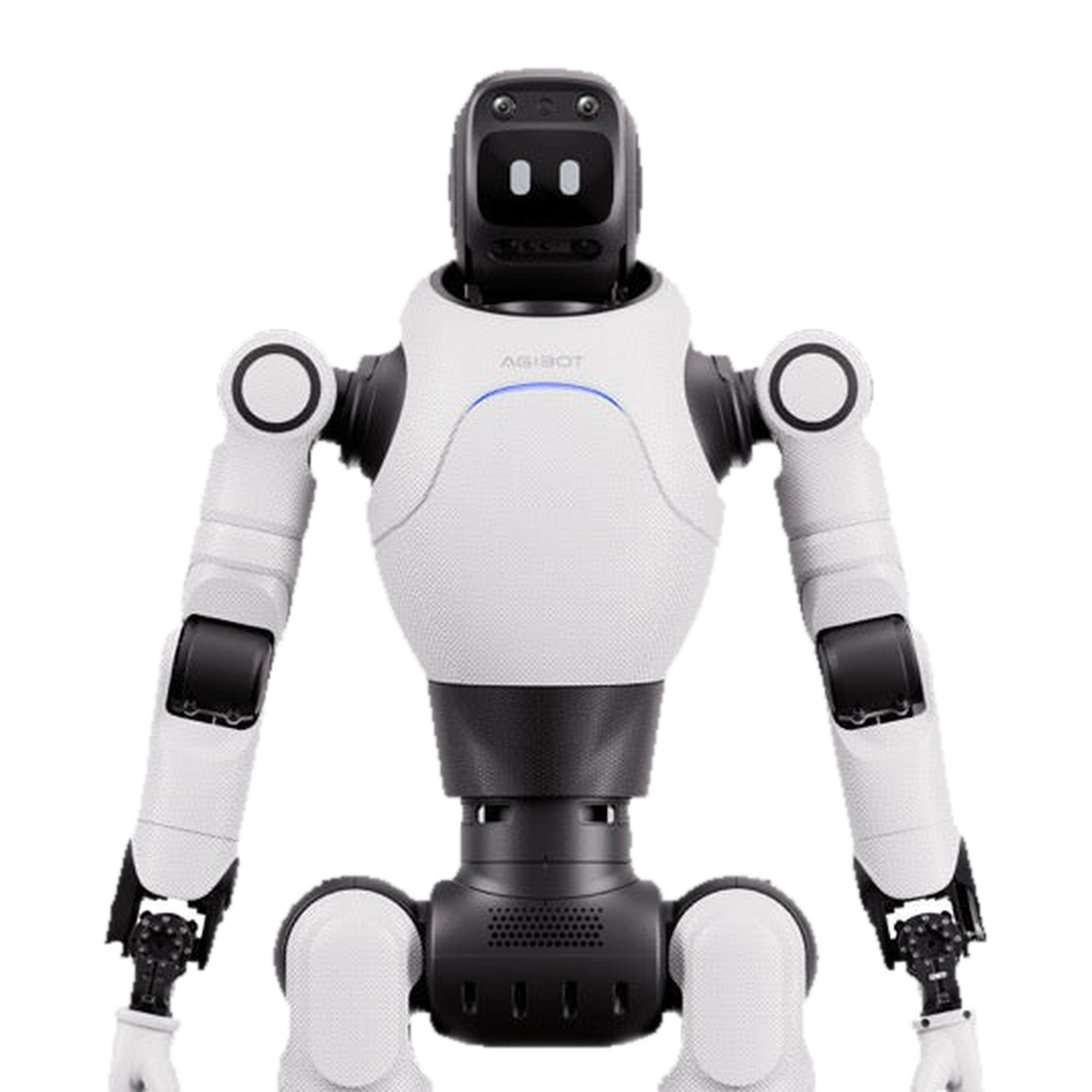
Performance and interaction
X2 Neo
For performance, reception and interaction work.
- Degrees of freedom30 active, one in the head
- VisionFront interactive RGB camera
- Development moduleNot fitted
- End effectorsDummy hands
- Debug interfacesUSB Type-C ×1
- Warranty8 months
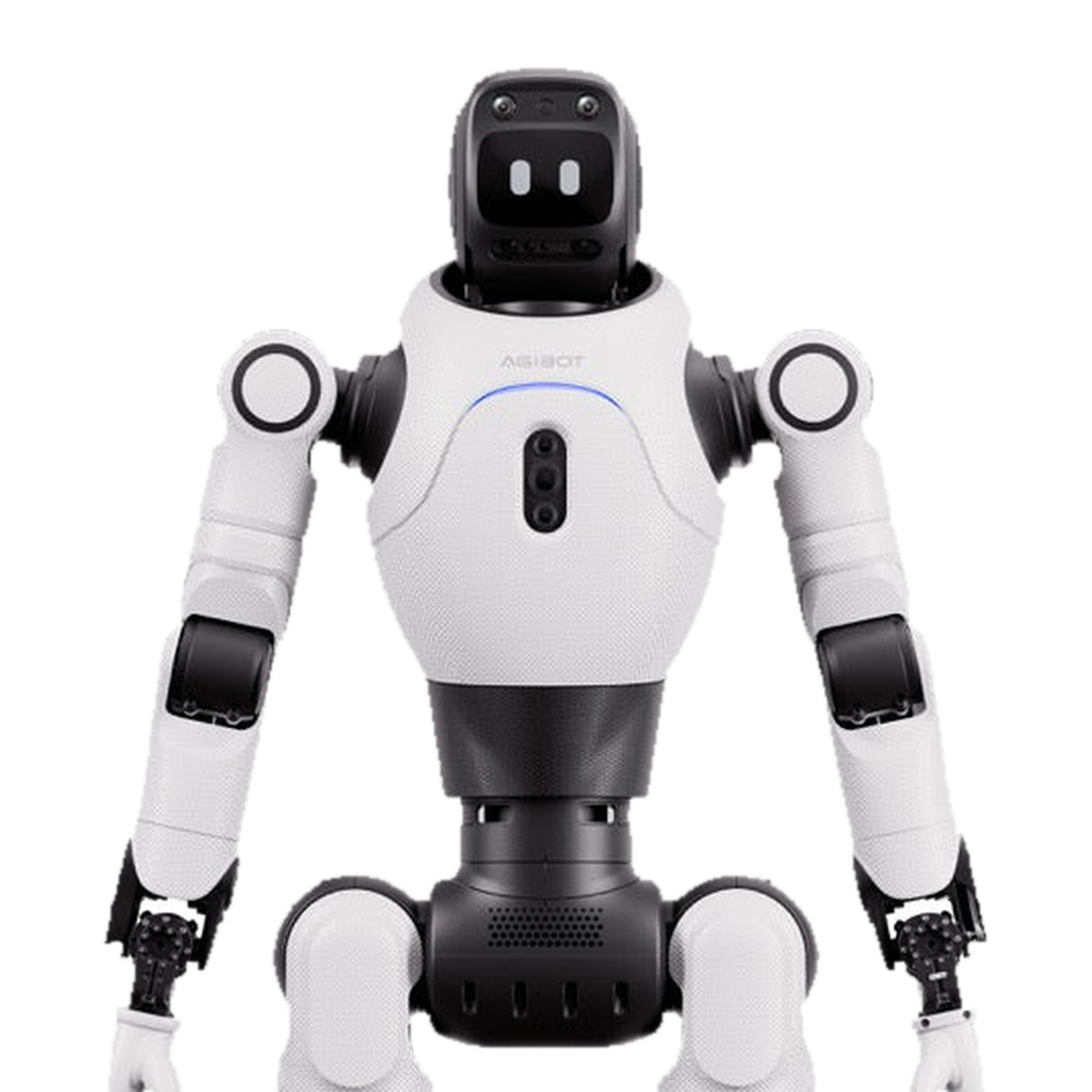
Development and research
X2 Ultra
Adds the full sensor suite and an on-board development module.
- Degrees of freedom31 active, two in the head
- VisionLiDAR, RGB-D, front binocular, front interactive, rear RGB
- Development moduleNVIDIA Orin NX 16 GB
- End effectorsDummy hands, dexterous hands or gripper
- Debug interfacesUSB Type-C ×3, RJ45 ×2
- Warranty18 months
FAQs
How is the Neo different from the X2 Ultra?
The Neo has 30 DOF to the Ultra's 31, a front interactive camera where the Ultra adds LiDAR, RGB-D, binocular and rear cameras, and no secondary development module. Its warranty is 8 months against the Ultra's 18.
Can I fit dexterous hands?
The X2 datasheet lists the Neo with a dummy hand, while AGIBOT's refresh brochure lists OmniHand and OmniPicker as optional across the X2 range. Confirm with Robo Inc. before ordering hands for a Neo.
What is the warranty?
Eight months.
How is it controlled?
By remote, the AGIBOT Go app, or voice.
How It Works
Place Your Order
Order directly through our website or use the form below to connect with a product expert first. Delivery timelines depend on model availability, but we ship as quickly as possible — and we’ll keep you updated every step of the way.
Setup & Configuration
Every robot is different. Depending on your selected model and accessories, configuration can be plug-and-play or require a tailored setup. We offer optional demos, consultations, and ongoing support to ensure you’re up and running with confidence.
Get Up and GO
Once set up, your robot is ready to roll. Preloaded actions make it easy to get started, while manual controls and custom routines let you push the limits of what’s possible.
Shop All AgiBot
Active DOF
Net Weight
Battery Capacity
Battery Life
Maximum Payload
Walking Speed
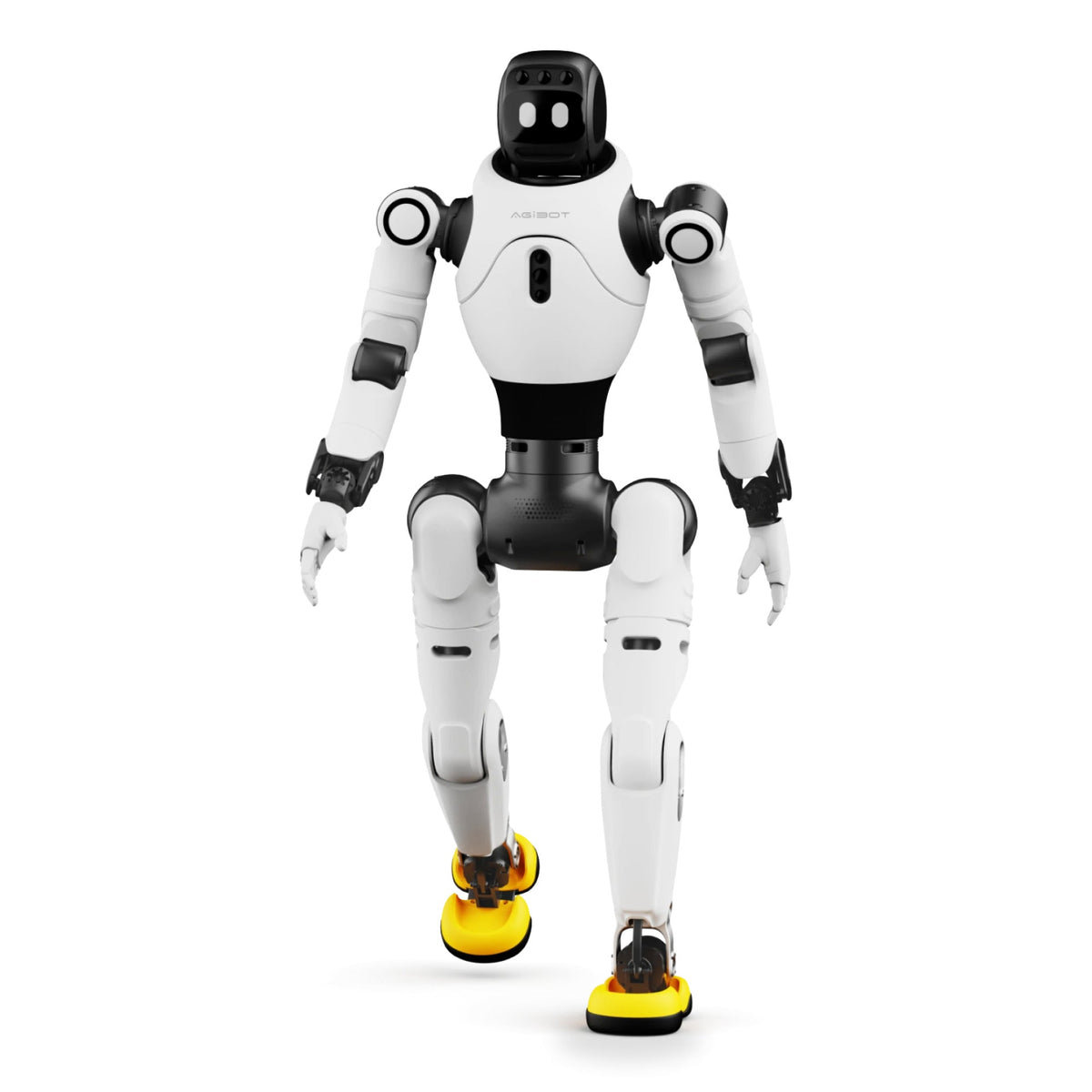
AGIBOT X2 Ultra Humanoid Robot
Active DOF
Net Weight
Secondary Development
Battery Capacity
Maximum Payload
Walking Speed
Active DOF
Weight (with Battery)
Battery Capacity
Battery Life
Max Payload
Top Speed
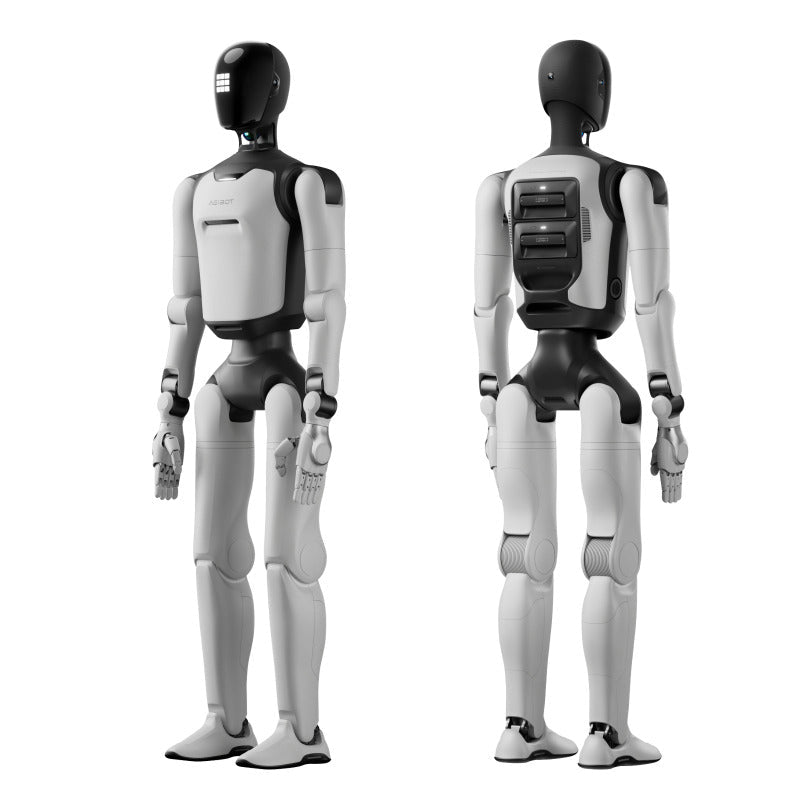

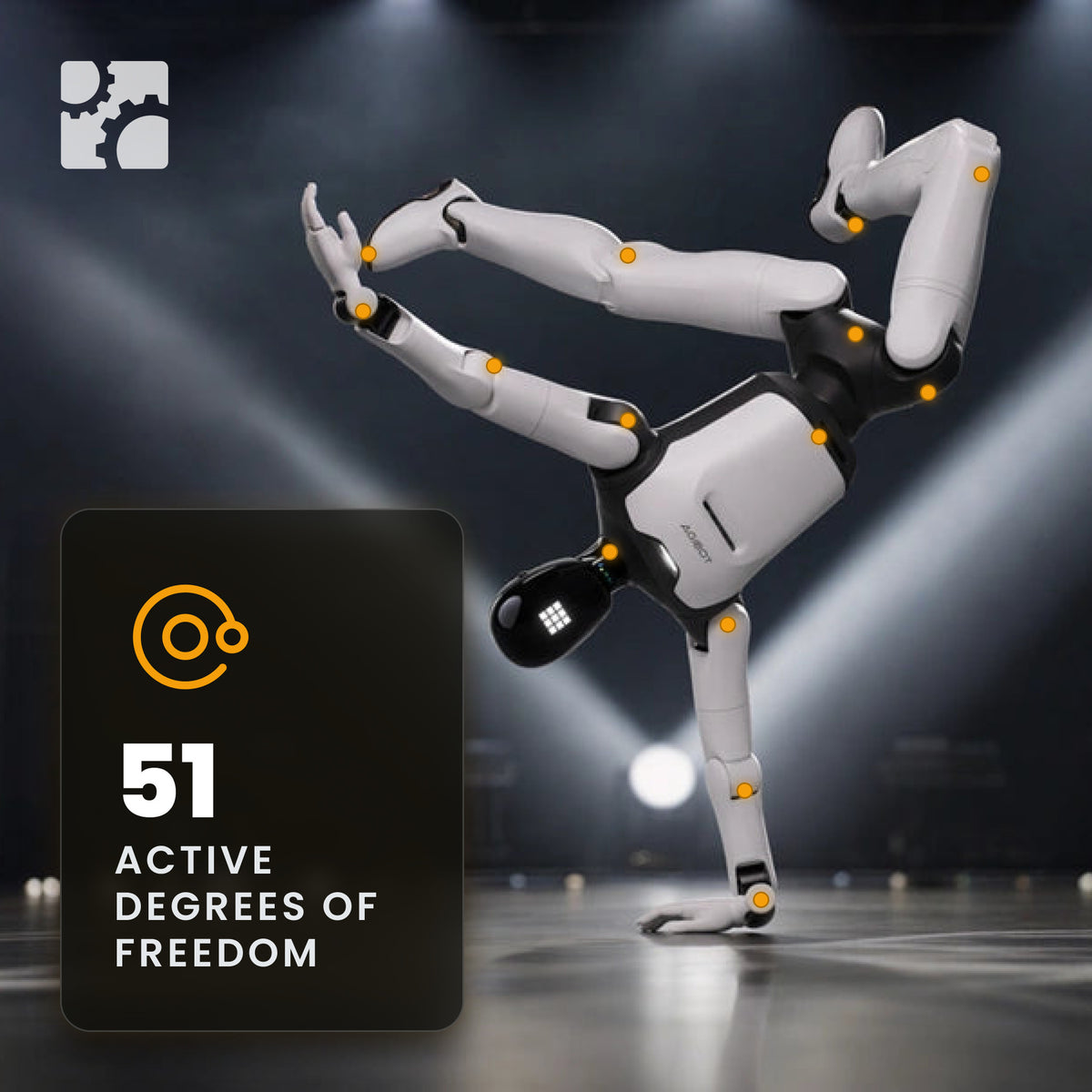
AGIBOT A3 Ultra Humanoid Robot
Active DOF
Weight (with Battery)
Secondary Development
Battery Capacity
Battery Life

Battery Swap
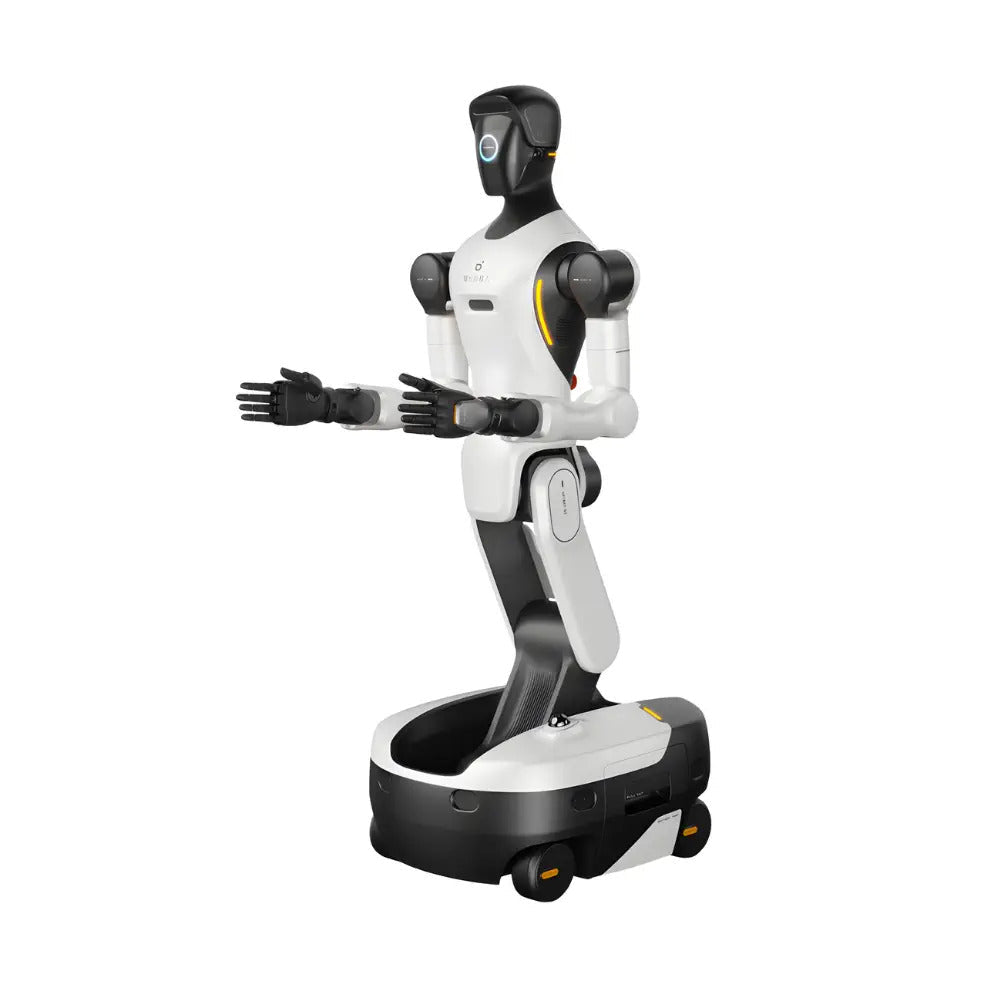
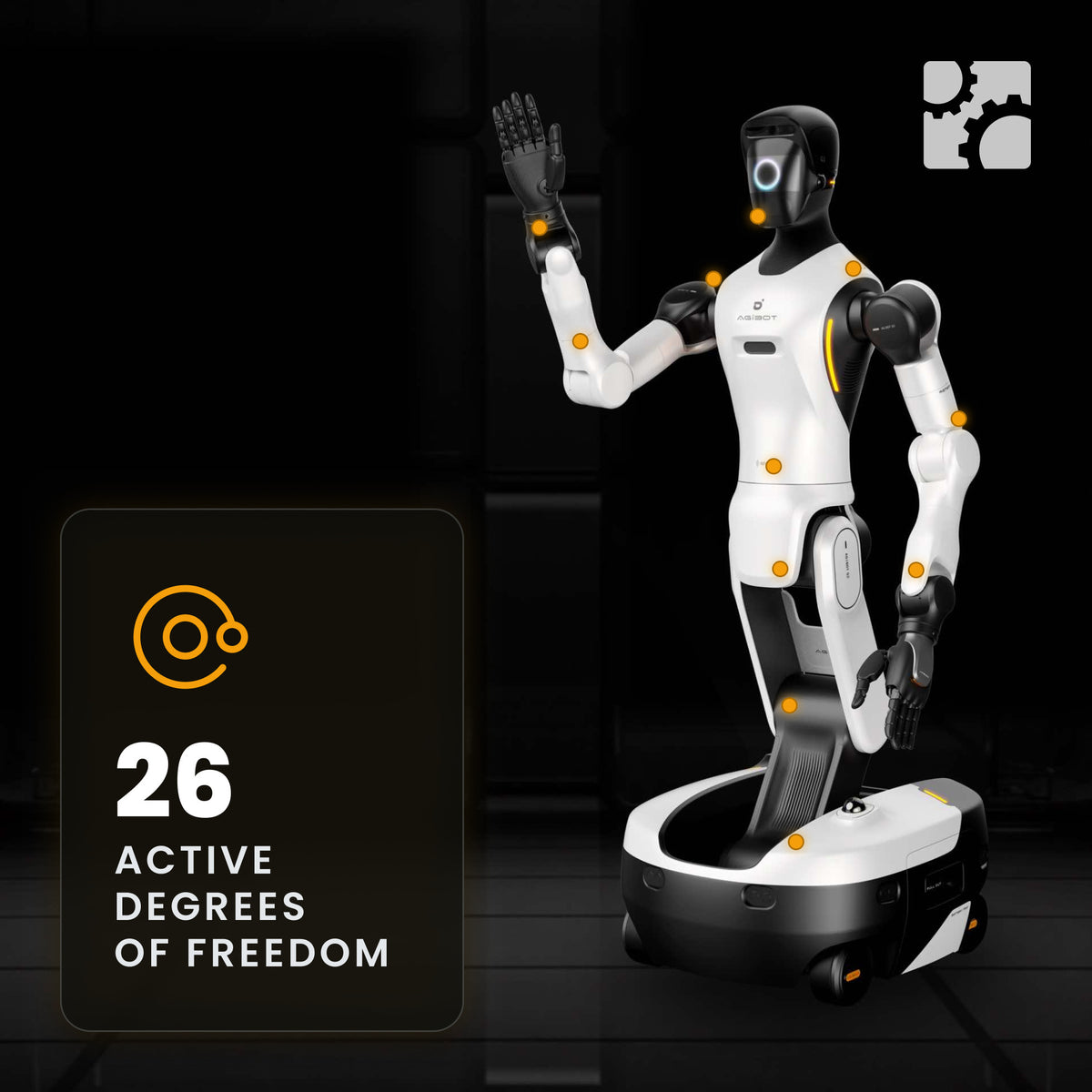
AGIBOT G2 Wheeled Dual-Arm Humanoid Robot
Active DOF
Weight
Secondary Development
Rated Payload per Arm

Arm Repeatability
Battery, 2 Packs